 Replay Camera
The challenge
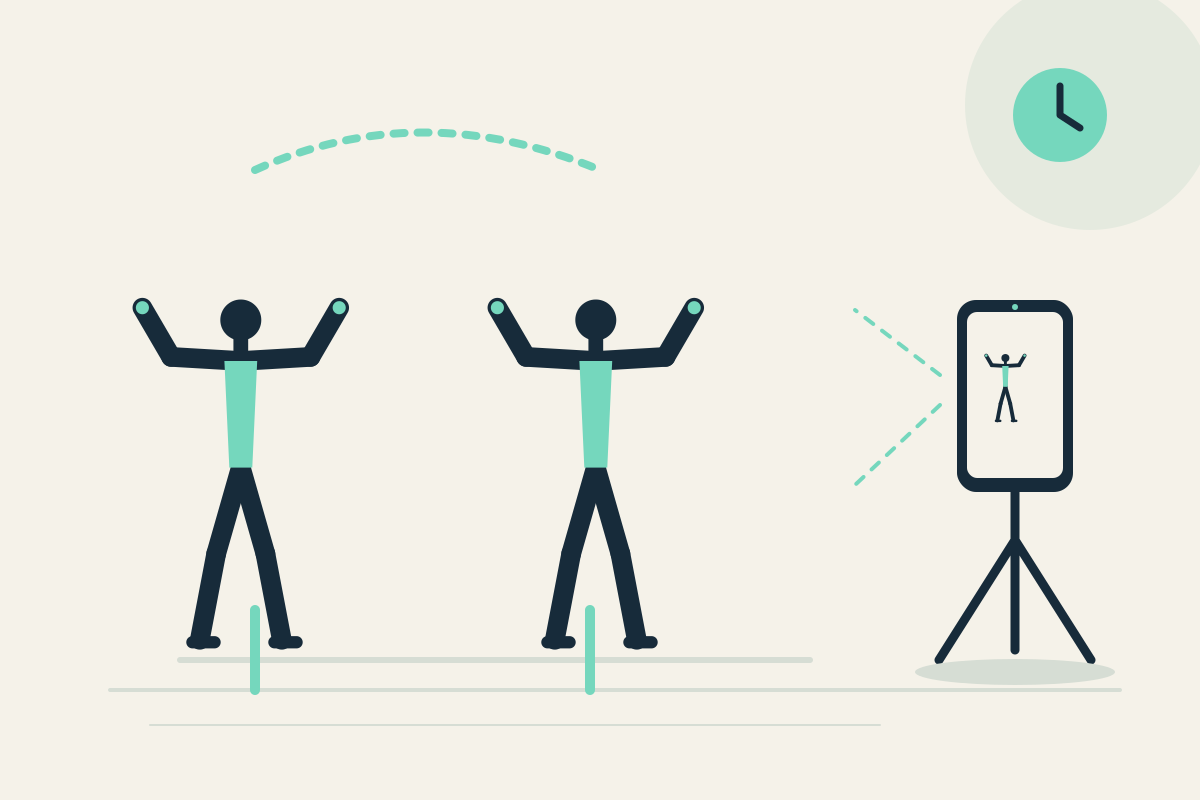
The coach may want to see whether two dancers move together in the shared phrase, but setting up two phones or switching cameras can confuse the review.
Setup
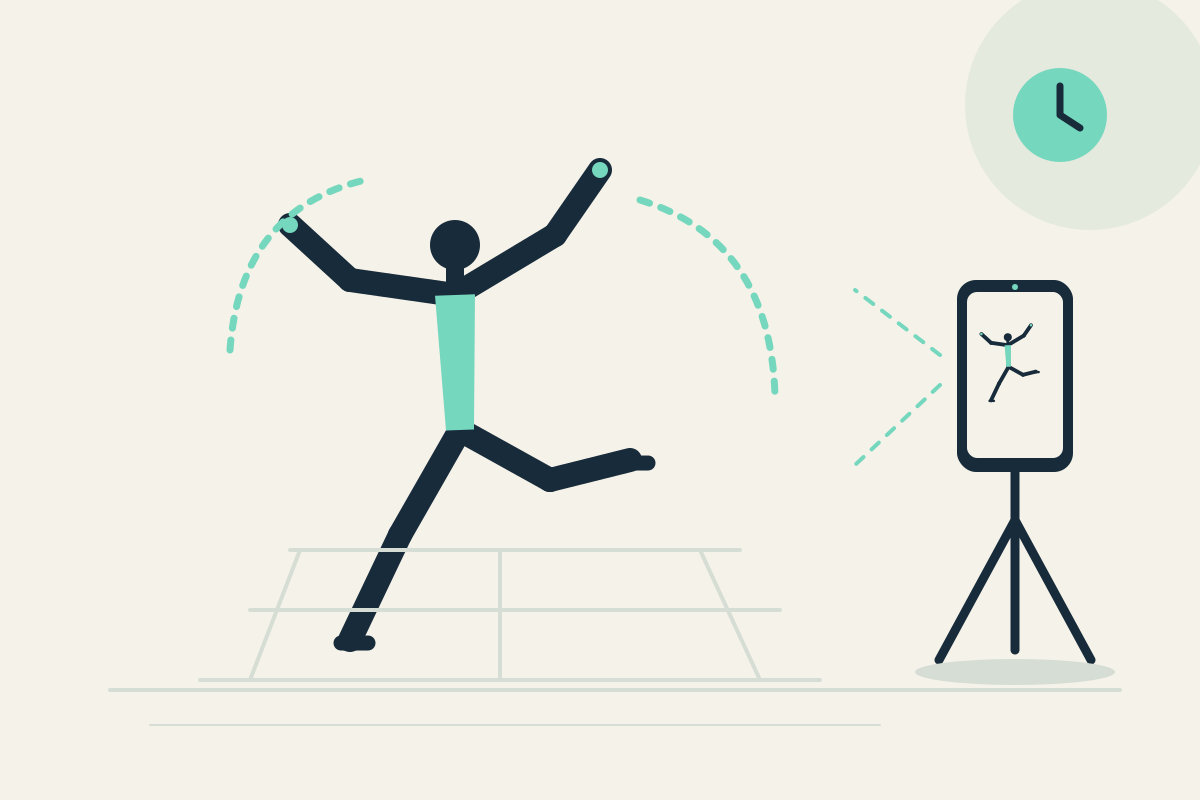
With both dancers’ consent, place one phone on a stable tripod so both dancers fit in one frame. Use the rear camera; a helper can place it, and the coach views the same screen from a safe spot. Set panes to 10 and 30 seconds.
Step-by-step
- Confirm consent from both dancers and clear the space. Start capture with one camera.
- Perform one short familiar phrase together without handling the phone.
- Let the phrase finish. It may appear later in the 10-second pane; the 30-second pane shows earlier context from the same camera, not a second angle.
- Stop safely and pause the display so the coach can compare visible timing in the shared frame.
- Optionally save the latest 30 seconds for a consented review after the session.
What to observe
Look at visible timing between the two dancers in the same frame. This is not multi-camera simultaneous capture or automatic synchronization analysis.
Limits
One shared frame may not show fine details for both dancers. The app cannot capture two cameras at once. Keep the phone outside the dance area and stop before watching.
FAQ
Can we record two angles at the same time?
No. Replay Camera uses one camera at a time. The two panes show the same camera at different times, not two simultaneous angles.
Do we need consent to record two dancers?
Yes. Obtain consent from both dancers before capture, especially if a coach or helper is present.