 Replay Camera
Your last move. Seconds later.
Keep the camera running and see your movement seconds later. Start with one delayed view, or open two panes with different delays to revisit a short action without stopping and scrubbing a recording.
See how it works and explore use cases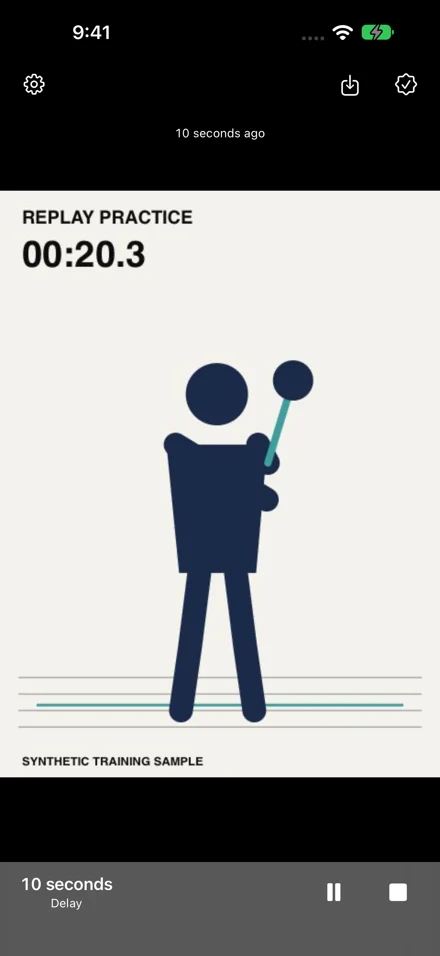 −30s
Two independent delay panes
Each pane can show 5, 10, 15, 20, or 30 seconds. Defaults are 10 and 30 seconds. Stacked in portrait or side-by-side in landscape, both panes use the same camera. The older pane gives earlier context, not a second angle.
Capture continues while you review
The camera keeps capturing while the display shows a past image. You can pause the display to read it and resume without stopping capture. Saved video is the most recent 30 seconds before you tap Save, not the delayed image currently on screen.
Solo-friendly front camera
With the front camera, you can see the screen while standing in front of the phone and avoid handling it between repetitions. With the rear camera, a helper can place the phone for you, but you still need to view the same screen safely.
Silent saves to Photos
Saving writes a silent MP4 to Photos and requires 30 seconds captured since a fresh start. Audio is never recorded. Photos permission is add-only. Camera frames are processed temporarily on device; only an explicit Save persists a video.
How Replay Camera fits a practice session
- Place your iPhone securely outside the movement area, choose the front or rear camera, and frame your whole action. Start with a 10-second view, or choose two panes with separate delays.
- Let the initial buffer fill, then perform a short, familiar action. With 10- and 30-second panes, the same action appears first after 10 seconds and again after 30 seconds.
- Finish the movement before watching. You can pause and resume the display while capture continues. Once 30 seconds have been captured, Save keeps the most recent 30 seconds as a silent video in Photos.
Use Cases for Delayed Movement Review
Use cases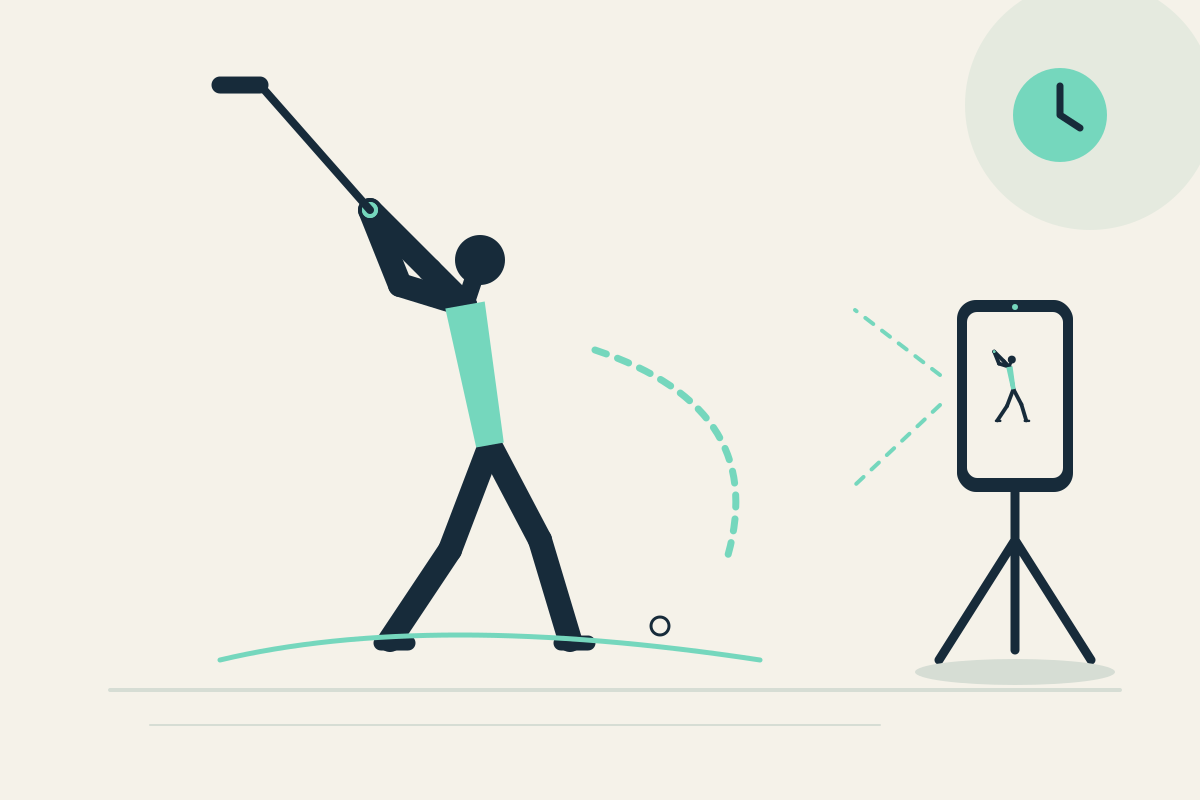
Golf Swing Review: Remember Setup and Finish Between Repetitions
Use two delayed panes to compare golf setup and finish between full swings. This is practical reflection, not impact or ball-flight analysis.
Tennis Forehand: Notice Preparation and Recovery Across Repetitions
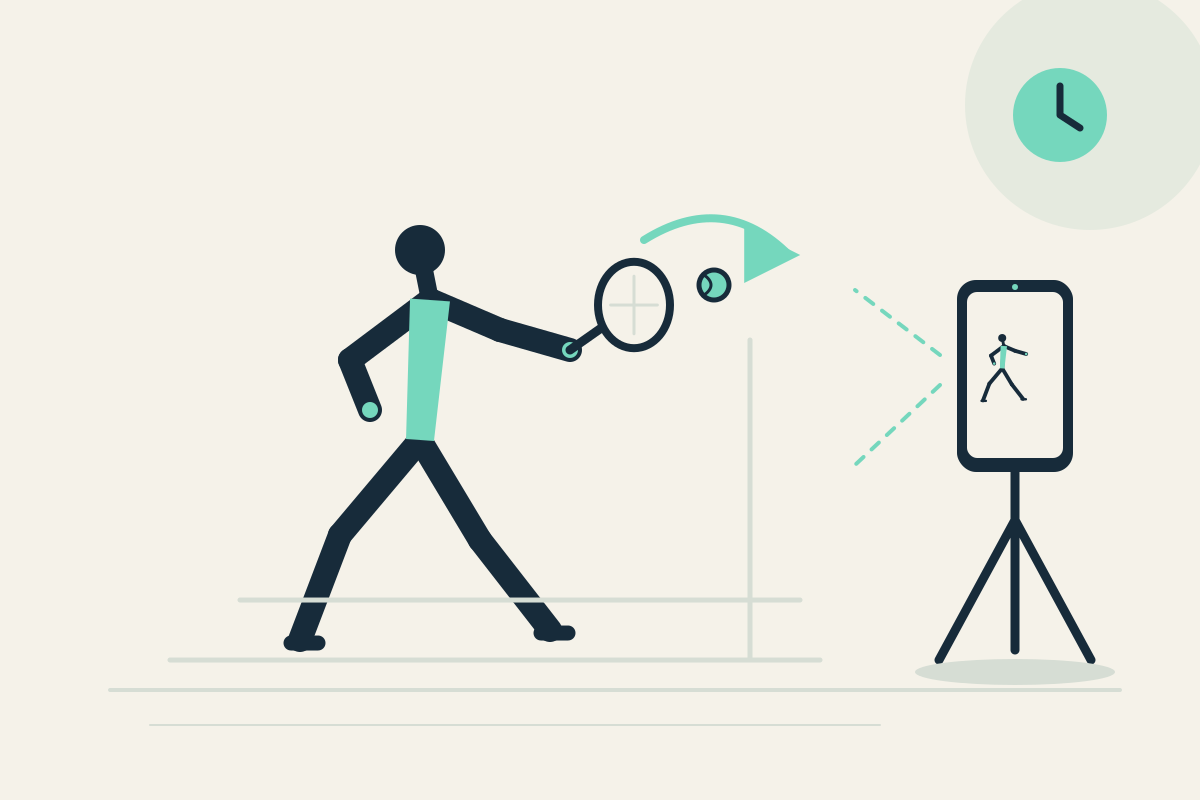
Review a tennis forehand’s visible preparation and recovery with two delay panes. Practical self-check, not stroke instruction or tracking.
Tennis Serve: Remember Toss Setup and Follow-Through Without Restarting
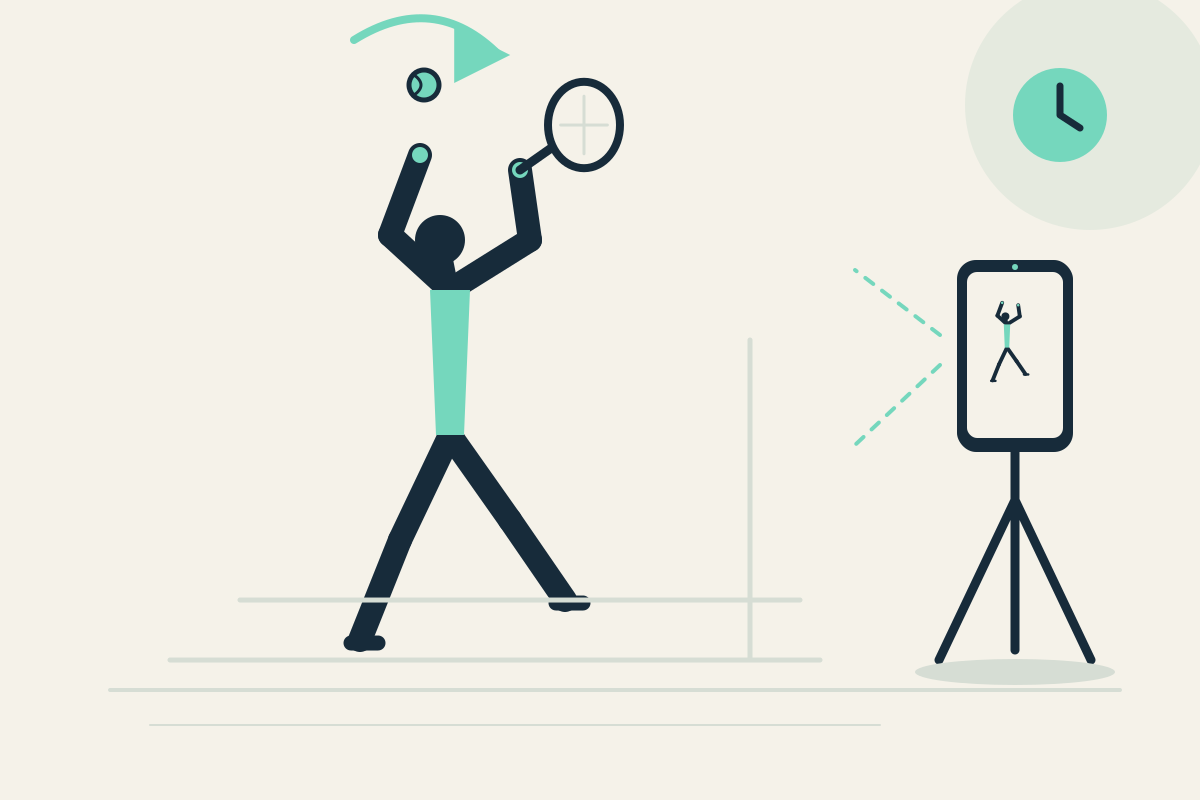
Use delayed panes to recall tennis serve toss setup and follow-through. No spin analysis, scoring, or automatic restart of a clip.
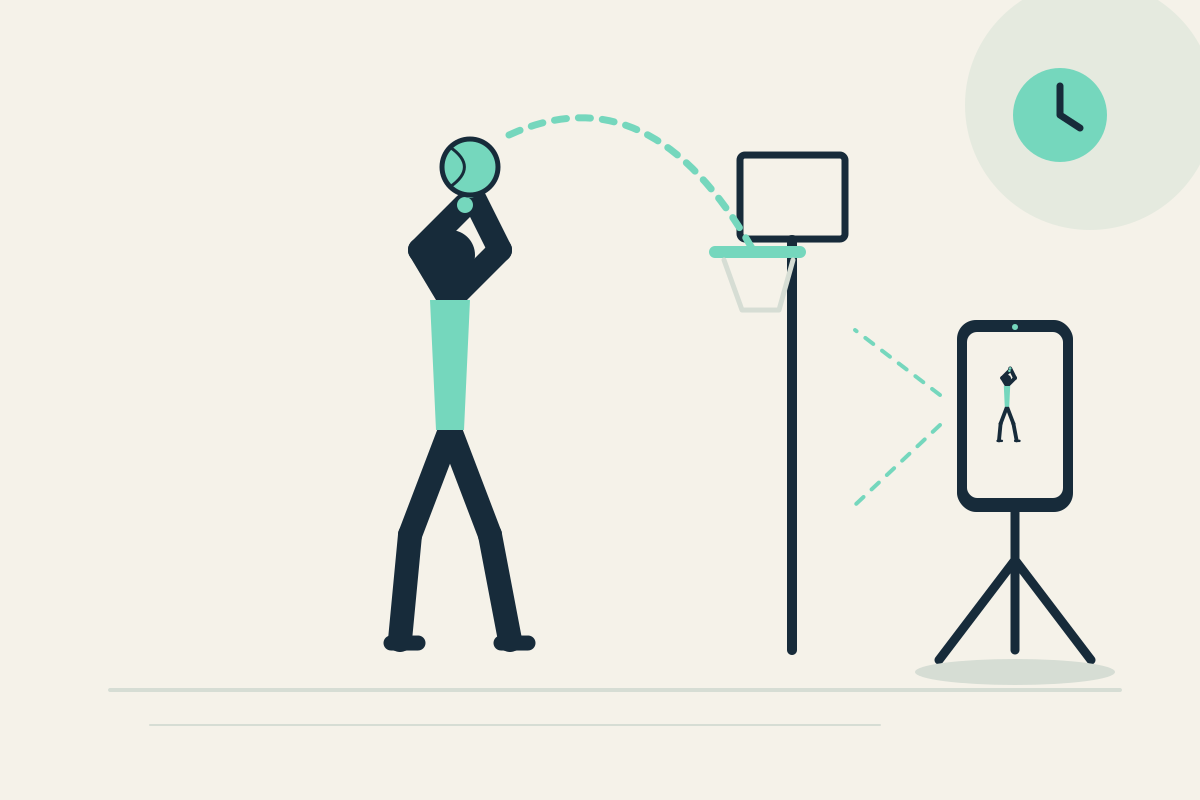
Basketball Free Throw: Check Pre-Shot Routine and Follow-Through
Review a free throw’s visible pre-shot routine and follow-through with delayed panes. No automatic shot scoring or motion tracking.
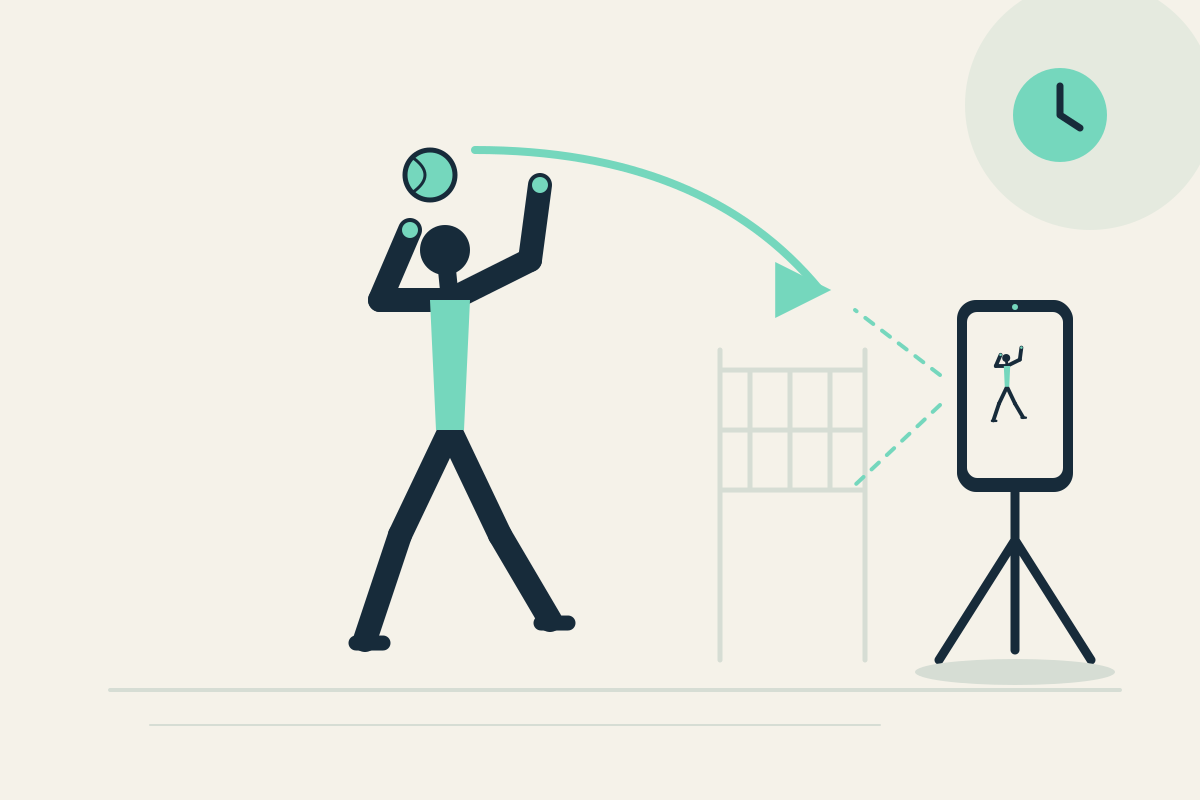
Volleyball Serve: Toss Preparation and Return to Ready Position
Use delayed panes to review volleyball serve toss preparation and return to ready position in a safe free area. No spin or scoring analysis.
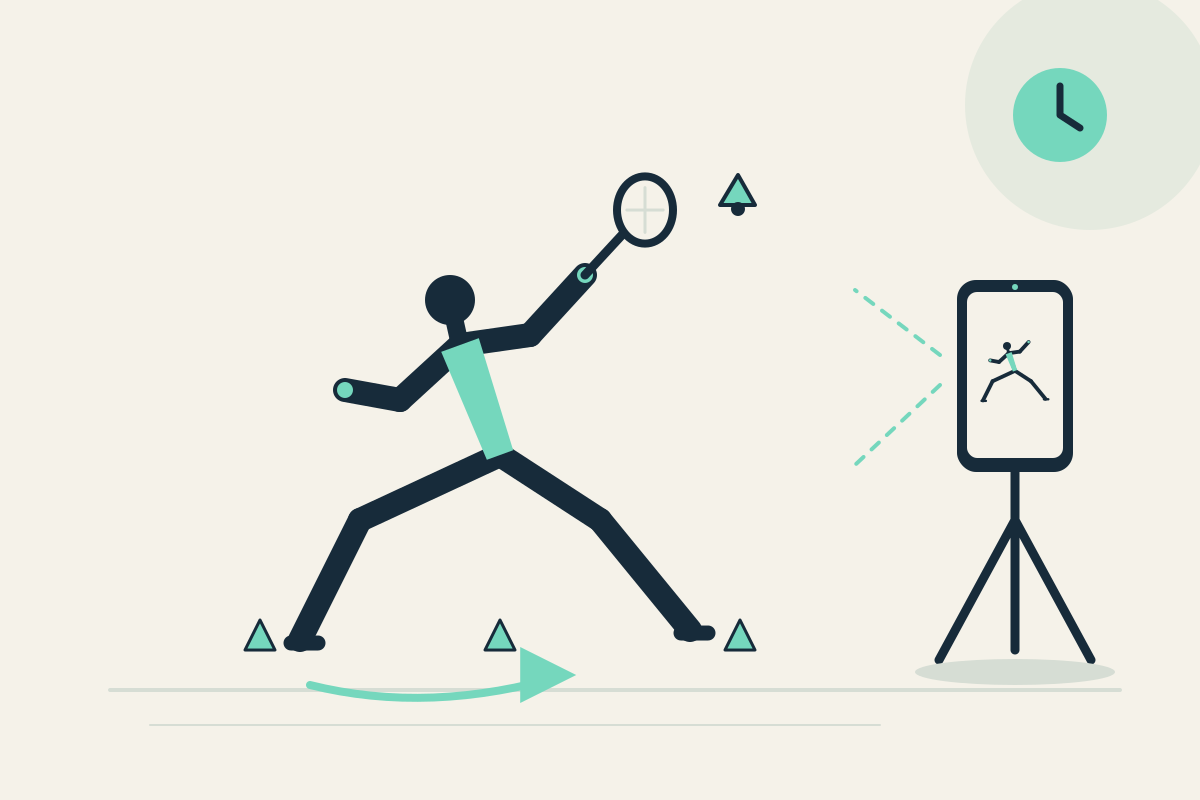
Badminton Footwork: Returning to Base and Visible Movement Sequence
Check badminton footwork back to base and a visible movement sequence using two delayed panes. Practical review, not tactical analysis.
Simple one-time unlock
Try Replay Camera free for seven days. After the trial, unlock it permanently with a one-time purchase of 200 yen in Japan or 1.99 US dollars in the USA. Prices in other regions are shown in the Apple purchase sheet. There is no subscription and no automatic charge. The app has no account, ads, tracking, or analytics SDK.
FAQ
Does Replay Camera record audio?
No. Audio is never recorded. The camera continues capturing silently, and a saved video is a silent MP4. If you are practicing music conducting or dance timing, the app cannot analyze or compare sound.
What exactly is saved when I tap Save?
Save writes the most recent 30 seconds of capture before the button tap as a silent MP4 to Photos while filming continues. It is not the 30 seconds ending at the delayed image currently shown on screen. You need at least 30 seconds captured since a fresh start.
Can I compare two angles at the same time?
No. Both panes use one camera at different times from the same camera. Replay Camera does not capture two cameras simultaneously or join recordings from two people at different times.
How do the 10-second and 30-second panes differ?
Choose 10 seconds for a short repetition, or 20 or 30 seconds when you need more time to finish and look at the screen. With two panes set to 10 and 30 seconds, the same action appears in the first pane and then in the second 20 seconds later.
Can I keep the phone in my hand while running or balancing?
No. Place the phone safely before you begin. Do not interact with it while moving. Stop safely before watching the screen. Running, treadmill, and balancing use cases require the phone to be fixed and out of the movement path.
What happens if the app goes to the background?
Capture and buffering only occur in the foreground. Backgrounding, stopping capture, or changing camera orientation mode clears the buffer and waits for a fresh history. A Save needs 30 seconds captured since that fresh start.