 Replay Camera
The challenge
You may notice makes and misses but not whether your routine before the shot and your follow-through look consistent. Restarting a clip after each attempt interrupts focus.
Setup
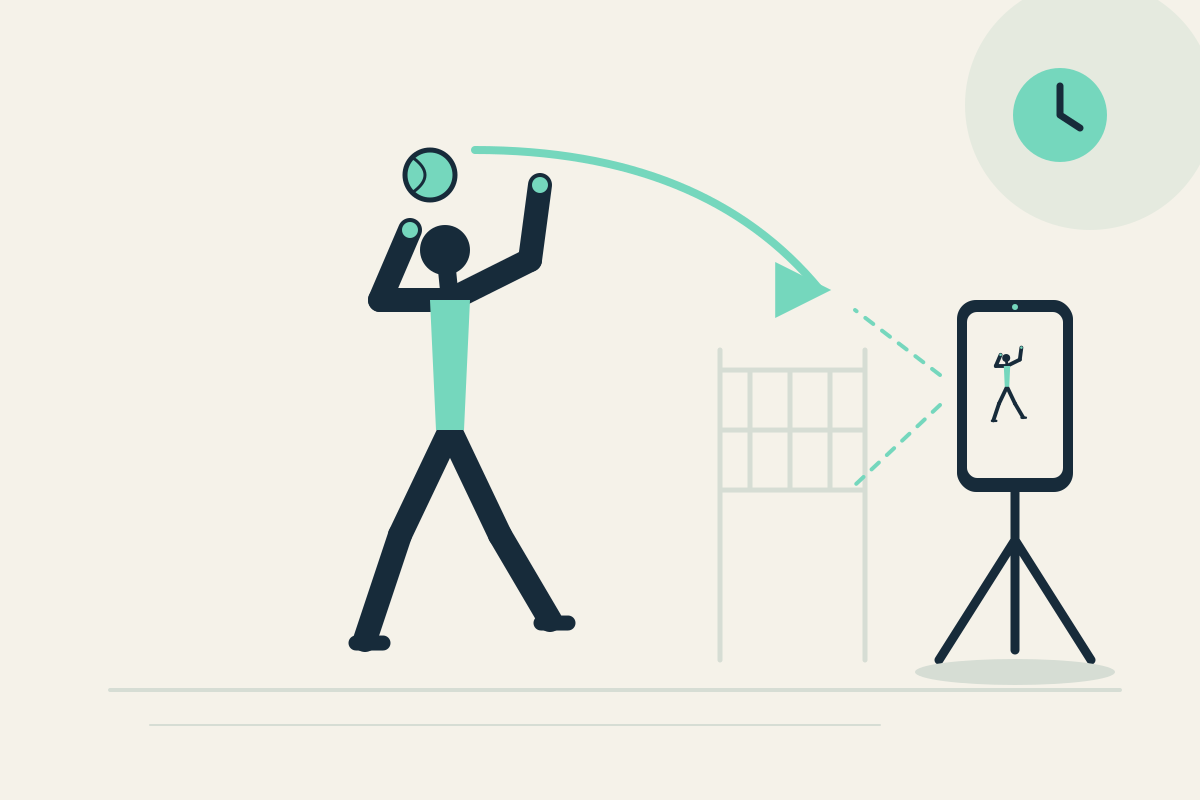
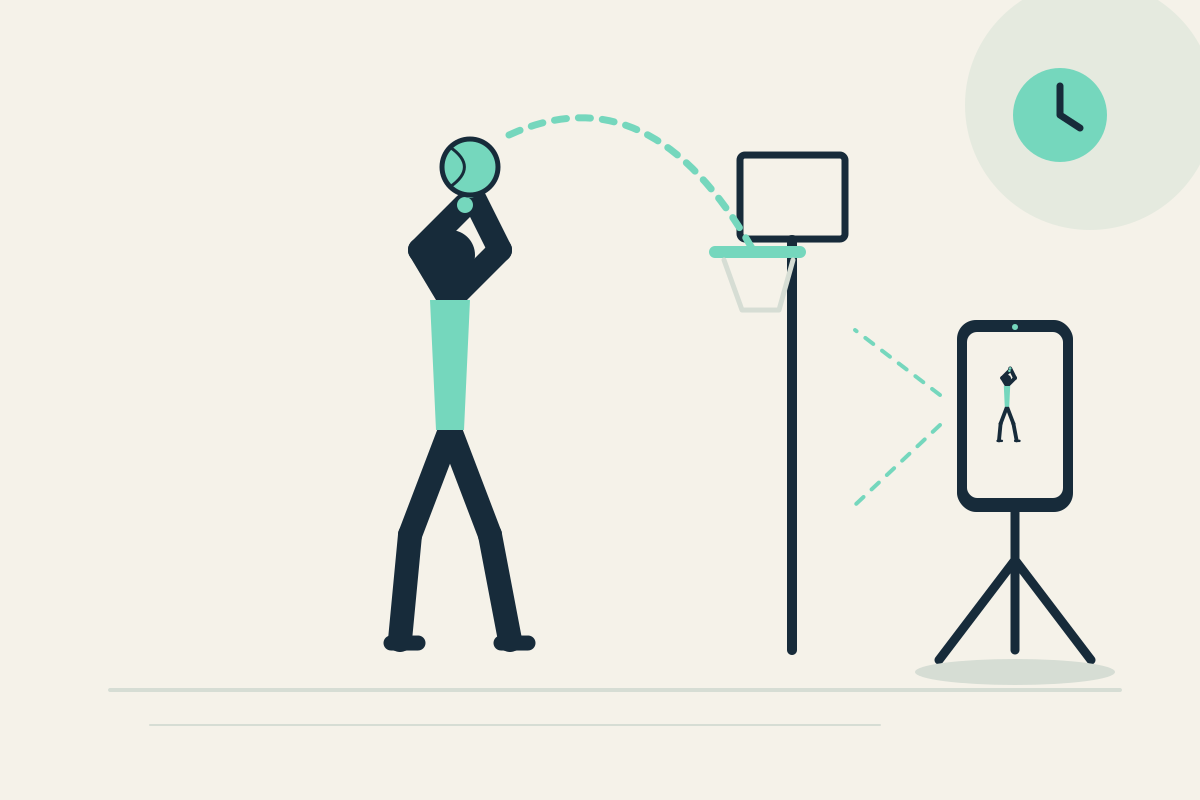
Fix the phone on a stable tripod or wall mount beside the free-throw area, outside the landing and ball path. Use the front camera if you practice alone and can stand safely in frame. Set panes to 10 and 30 seconds.
Step-by-step
- Start capture and take one familiar free throw without moving toward the phone.
- Let the attempt pass. The same attempt may appear in the 10-second pane later; the 30-second pane may show earlier context, not a simultaneous view.
- Stop safely, pause the display, and review the visible pre-shot routine.
- Resume capture and shoot again, comparing the follow-through position.
- Optionally save the latest 30 seconds to review routine consistency after the session.
What to observe
Look at whether your stance and ball preparation before the shot look repeatable, then where your shooting hand finishes. The app does not score shots or measure arc.
Limits
One fixed view may not show both feet and hand detail clearly, and ball tracking is not provided. Keep the phone outside the rebound path.
FAQ
Does the app count made or missed shots?
No. There is no automatic shot scoring or tracking. You review visible routine and follow-through yourself.
Can I keep the phone on the court while I rebound?
No. Place it outside the active area and stop safely before watching. Do not reach for the phone while moving or chasing a ball.