 Replay Camera
The challenge
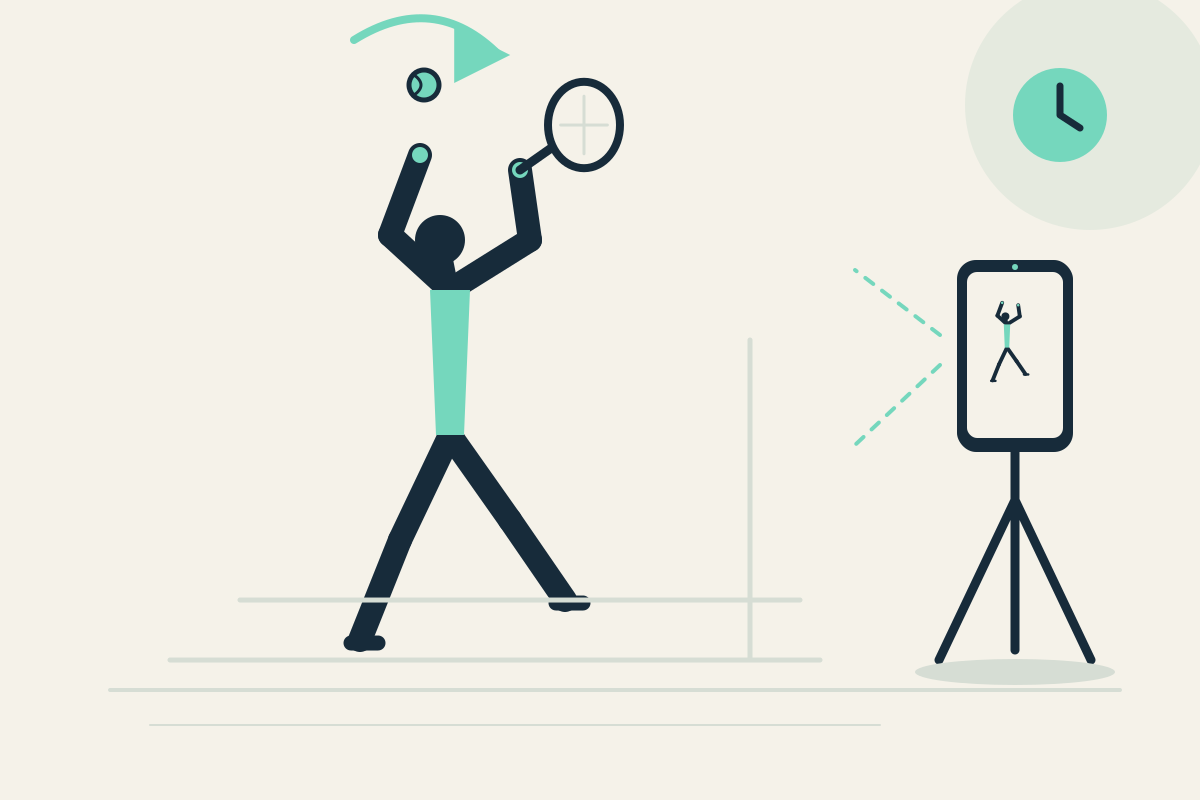
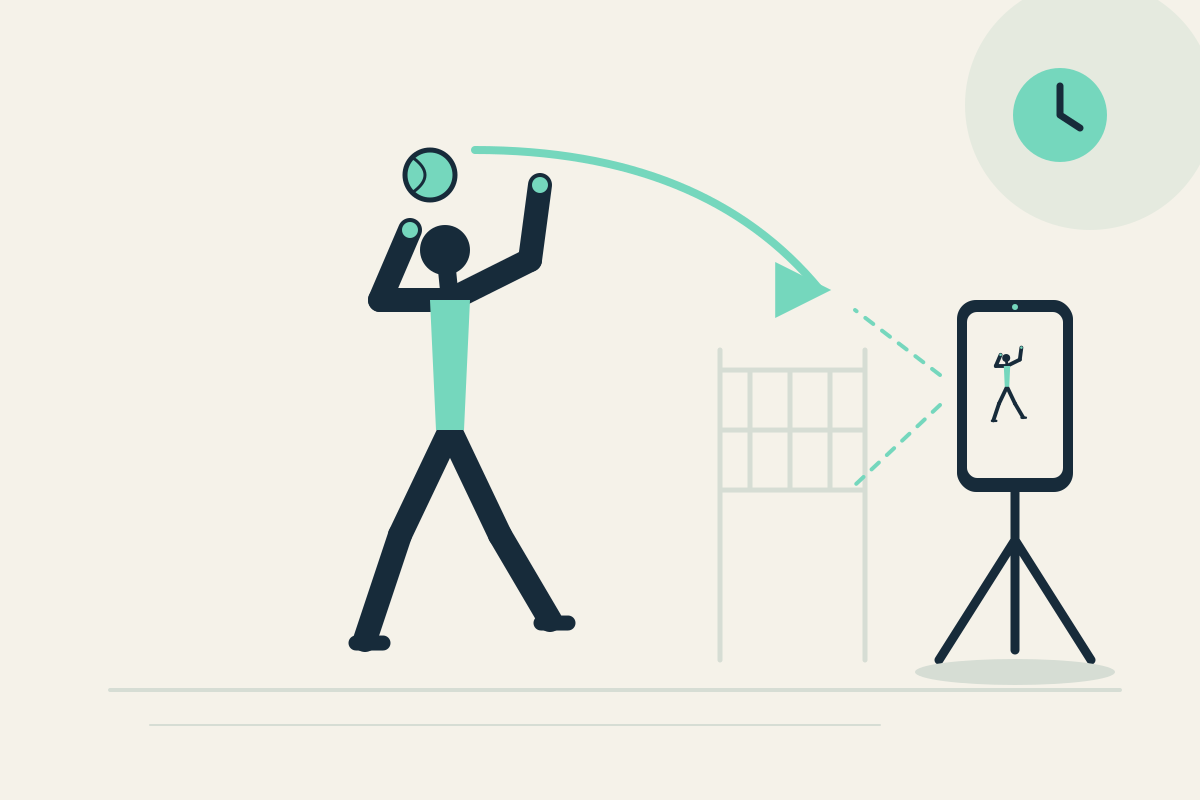
After a serve you may not remember how you prepared the toss or whether you returned to a ready position. Walking to restart a clip disrupts the practice flow.
Setup
Place the phone on a stable tripod or bench outside the serving and landing area. Use the rear camera if a helper sets it, but confirm you can view the same screen safely. Set panes to 10 and 30 seconds.
Step-by-step
- Start capture and complete one familiar serve motion without chasing the ball near the phone.
- Let the motion pass. The short serve action may appear later in the 10-second pane; the 30-second pane gives earlier context from the same camera.
- Stop safely and pause the display to read toss preparation.
- Resume capture and repeat, comparing how you return to ready position.
- Optionally save the latest 30 seconds to review after the session.
What to observe
Check whether the visible toss preparation looks repeatable and whether you settle back into a ready position. Do not expect spin, speed, or legal-serve judgment.
Limits
A fixed phone may crop the toss or the recovery step, and it does not analyze the ball. Keep the phone outside the ball path and stop before watching.
FAQ
Can the app judge whether my serve is legal?
No. Replay Camera does not provide legal-serve judgment, spin measurement, or scoring. It shows delayed visible views for your own reflection.
Can I use the front camera alone?
Yes, if the phone is already safely placed and you can see the screen while standing in frame. Do not handle the phone while moving.