 Replay Camera
The challenge
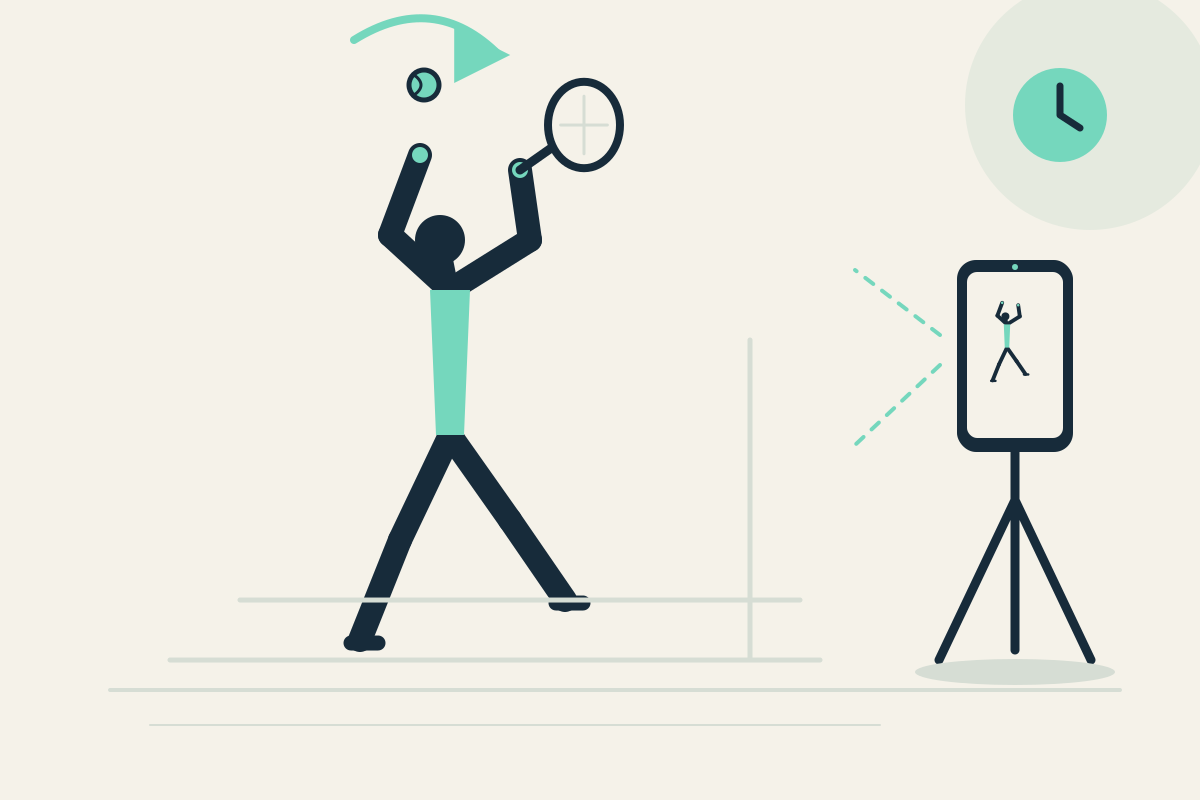
After a serve you may remember the result but not the toss setup or follow-through. Manually restarting a clip between serves distracts from your routine.
Setup
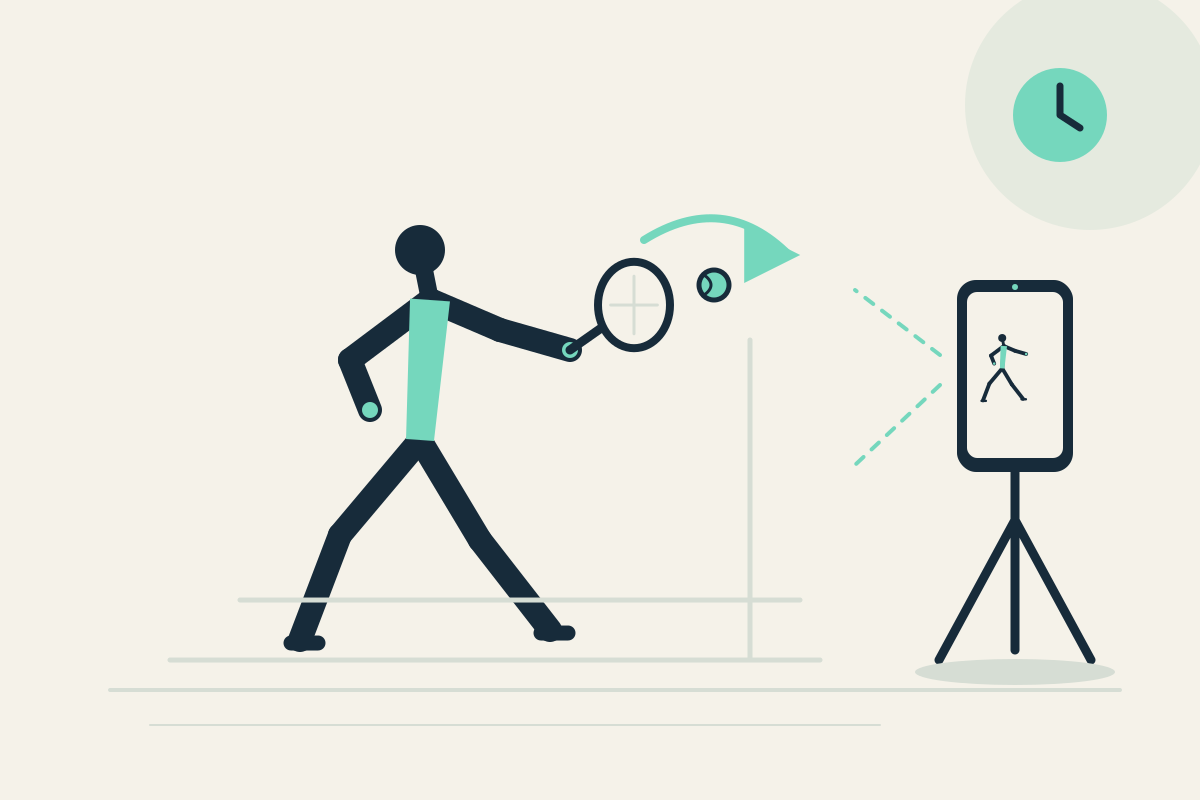
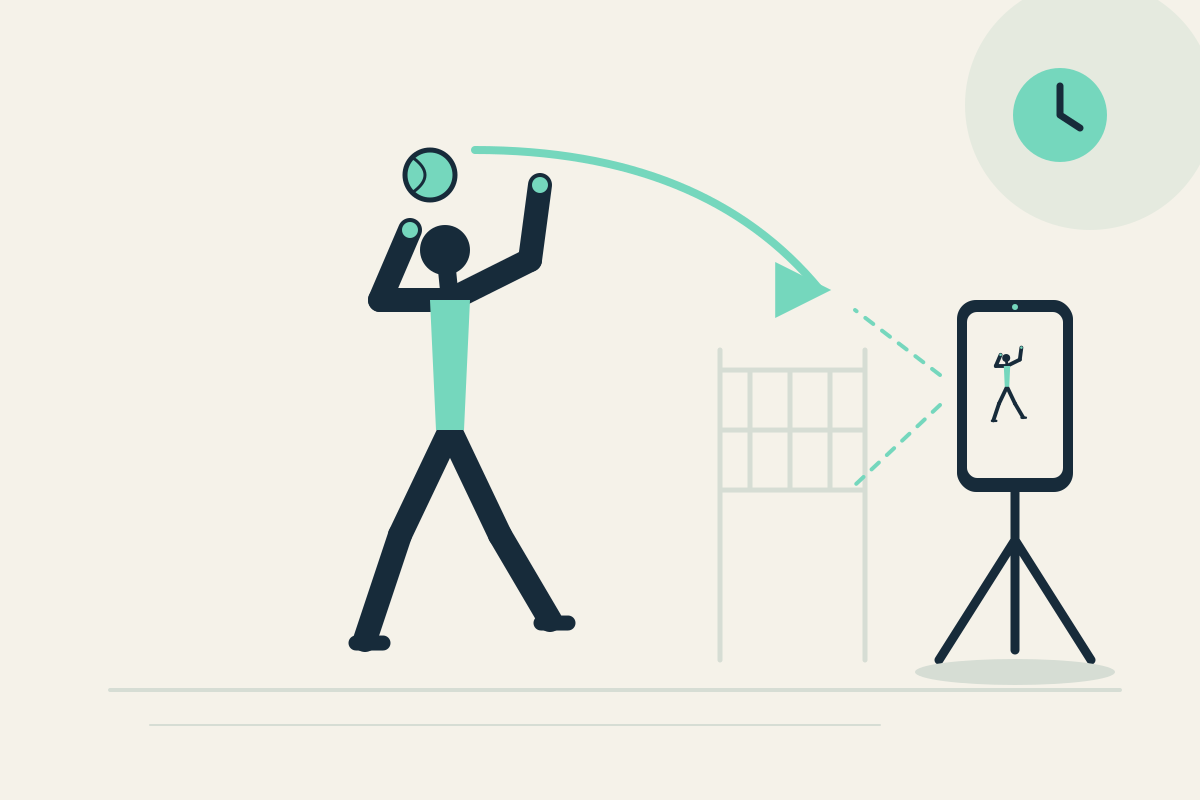
Place the phone on a stable mount behind the baseline or beside the service area, outside the swing path. Use the rear camera with a helper’s placement if needed, but you still view the same screen. Set panes to 20 and 30 seconds because a serve routine is longer than a short rep.
Step-by-step
- Start capture and complete one familiar serve motion without chasing stray balls toward the phone.
- Let the motion pass. A short toss may appear in the 20-second pane, while the 30-second pane offers earlier context from the same camera.
- Stop safely and pause the display to read the visible toss preparation.
- Resume capture and perform another serve, comparing the follow-through position.
- Optionally save the latest 30 seconds after a few serves to review setup later.
What to observe
Look at whether the toss preparation looks repeatable and where the body finishes after the motion. Compare the two serves. Do not expect spin, speed, or legal-serve judgment.
Limits
A single fixed view can hide small toss details, and the app does not analyze ball flight. Keep the phone away from the hitting path.
FAQ
Can I compare two serves at the same time from different angles?
No. Both panes show one camera at different times. The 30-second pane offers earlier context, not a second simultaneous angle.
Why use 20 and 30 seconds instead of 10?
A 20-second delay can give you time to finish the serve routine and return to a viewing position. The 30-second pane shows the action another 10 seconds later. Both views use the same camera.