 Replay Camera
The challenge
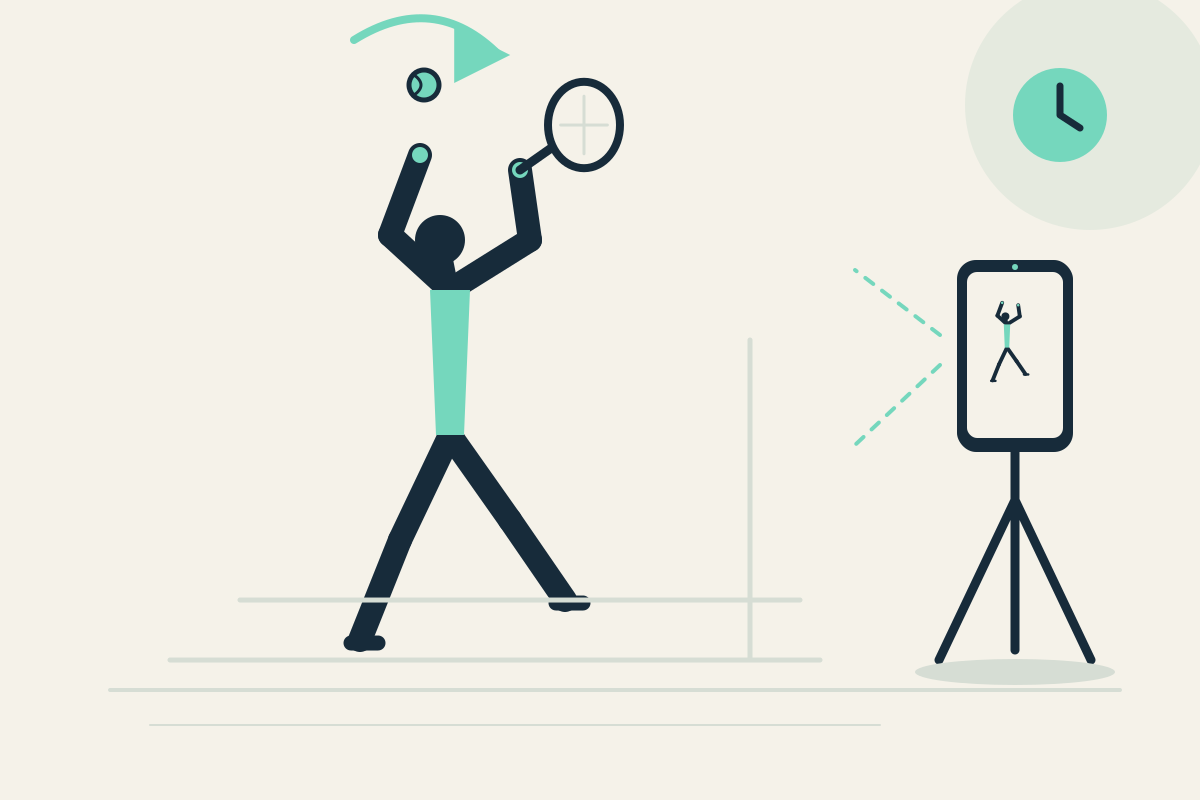
You may feel ready for the shot but fail to notice whether your racket preparation starts early and whether your recovery position repeats. Restarting a clip each time breaks the rhythm.
Setup
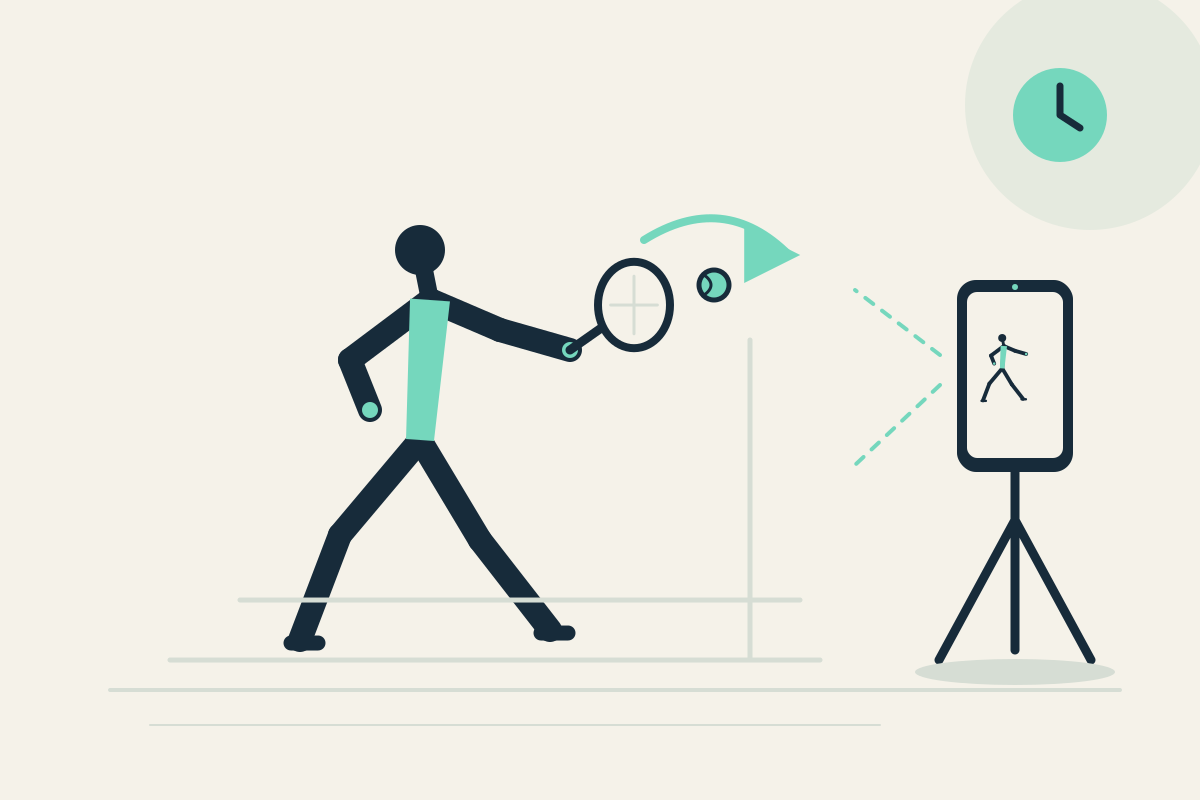
Fix the phone on a fence mount or stable tripod beside the court, outside the hitting area. A rear camera view can show your whole body; if a helper places it, confirm the screen is visible from your rest position. Set panes to 10 and 30 seconds.
Step-by-step
- Start capture, then perform two familiar shadow forehands or safe repetitions without chasing balls near the phone.
- Let the first repetition pass. Watch for it in the 10-second pane later; the 30-second pane may show earlier context from the same camera.
- Stop safely, pause the display, and check the visible preparation position.
- Resume capture and repeat once, comparing the recovery position rather than assuming the older pane is a second angle.
- Optionally save the latest 30 seconds to revisit preparation after the session.
What to observe
Check when the racket starts moving back and where you finish after the swing. Compare whether the two repetitions look similar. This is not a judgment of stroke quality or a coaching prescription.
Limits
The phone may miss small hand details, and one fixed view cannot cover both net and baseline. Do not interact with the phone while moving.
FAQ
Will the app track my racket or the ball?
No. There is no automatic tracking or AI analysis. You review visible preparation and recovery yourself from the delayed panes.
Can I place the phone on the court while I hit?
No. Keep it safely outside the active hitting area, such as a fence mount, and stop before watching. Do not place it where a ball or foot could reach it.