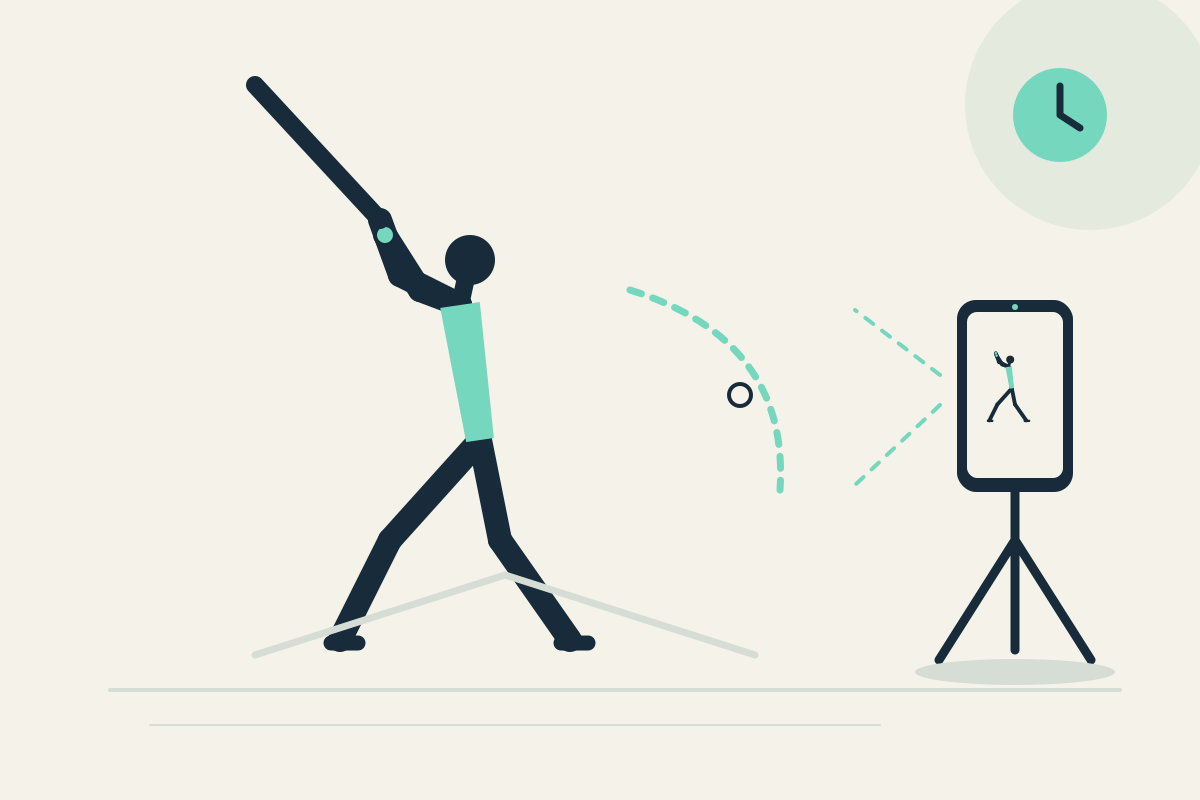
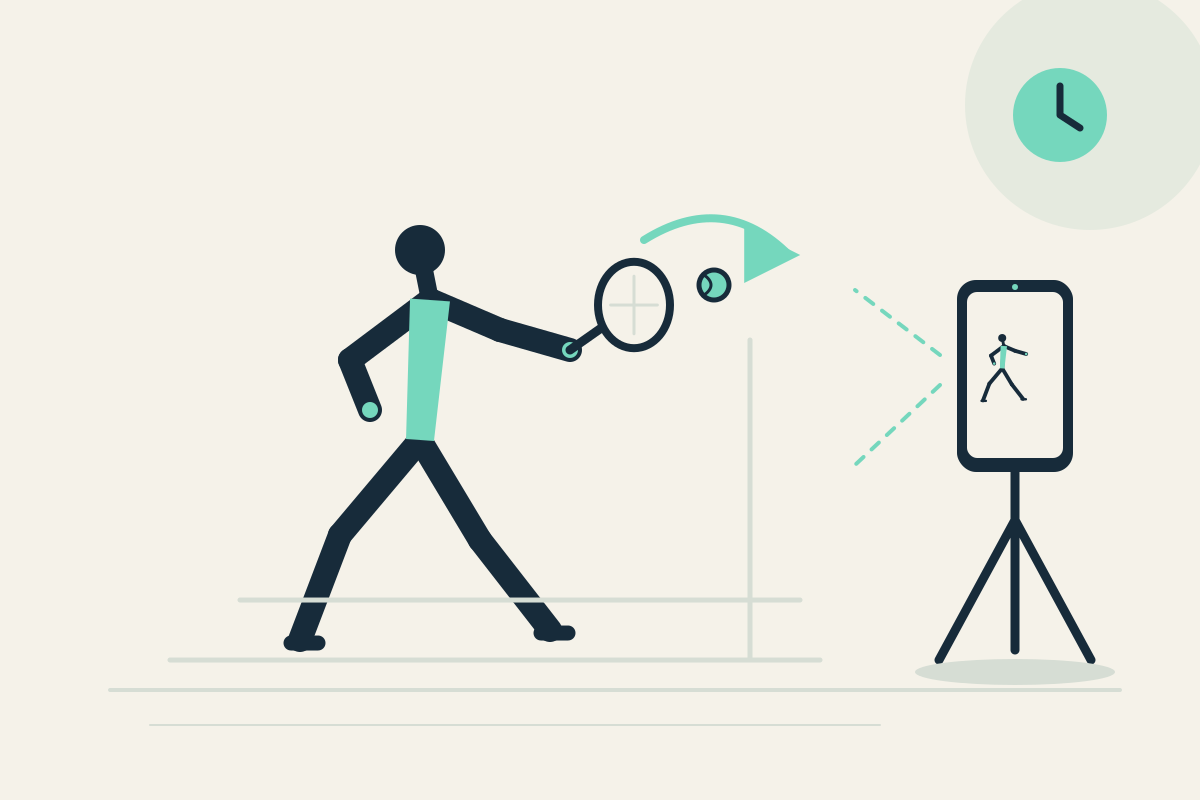
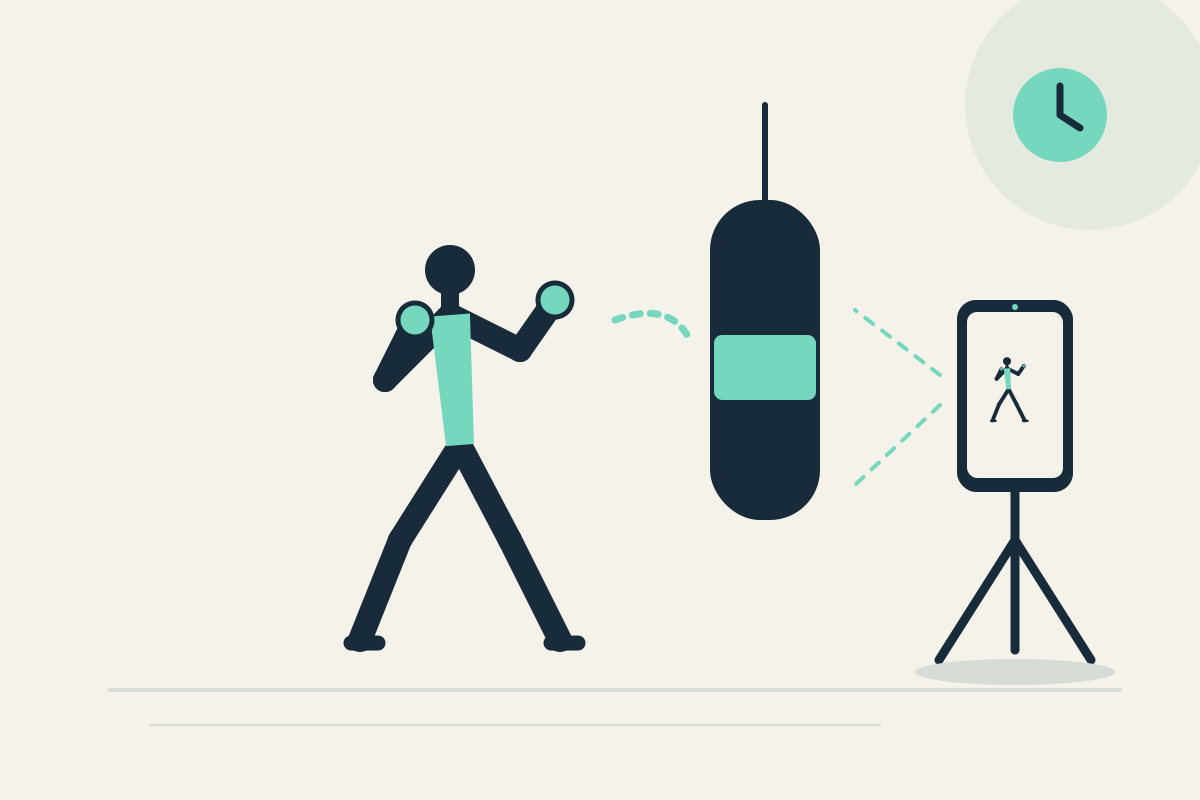
 Replay Camera
The challenge
Between repetitions you may remember the ball flight but not whether your setup posture and finish position stayed consistent. Walking to the phone to restart a clip interrupts rhythm.
Setup
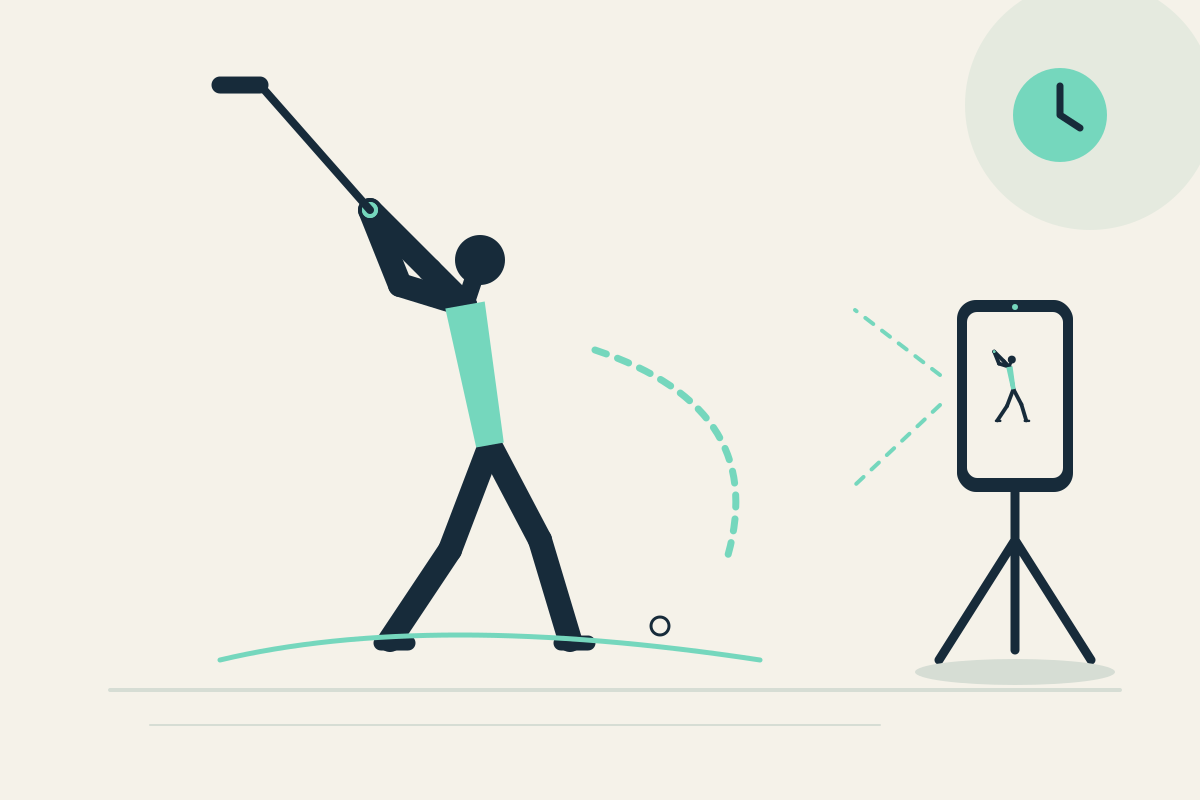
Fix the phone where your whole body fits the image, outside the swing path. For solo use, choose the front camera so you can see the screen after the swing. Set the two panes to 10 and 30 seconds.
Step-by-step
- Confirm the area is clear and the phone is outside your swing path. Start capture and take one normal practice swing without the ball.
- After the swing, look at the 10-second pane. The same action reaches the 30-second pane 20 seconds later if capture continues.
- Pause the display if you want longer to inspect the finish, then resume playback. Capture continues while the display is paused.
- Repeat a swing with the same framing. Observe the visible setup and finish again, using the older pane to revisit the action.
- Optionally save the latest 30 seconds as a silent clip to review after the session.
What to observe
Look at visible setup width and posture, then the balance of your finish. Ask whether the two swings look repeatable to you. Do not expect impact timing, clubhead data, or ball-flight analysis.
Limits
A single fixed camera may hide small details and cannot measure speed or impact. The phone must stay outside the swing path and you must stop before watching.
FAQ
Can I see impact and ball flight with this setup?
No. Replay Camera is for remembering visible setup and finish between repetitions. It does not provide fast impact analysis, ball-flight data, or slow-motion.
Should I use the rear camera if I practice alone?
Only if the phone is already safely placed and you can view the same screen without handling it. The front camera helps a solo user see the screen while standing in frame.