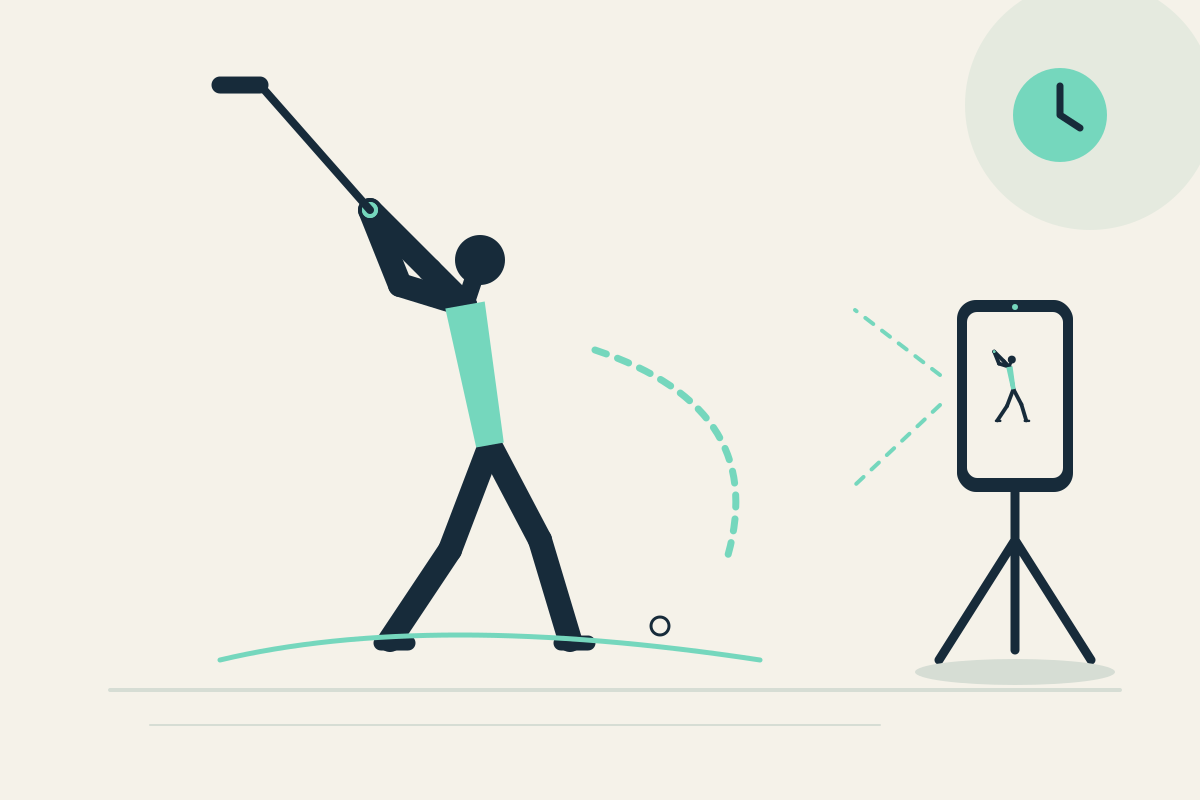
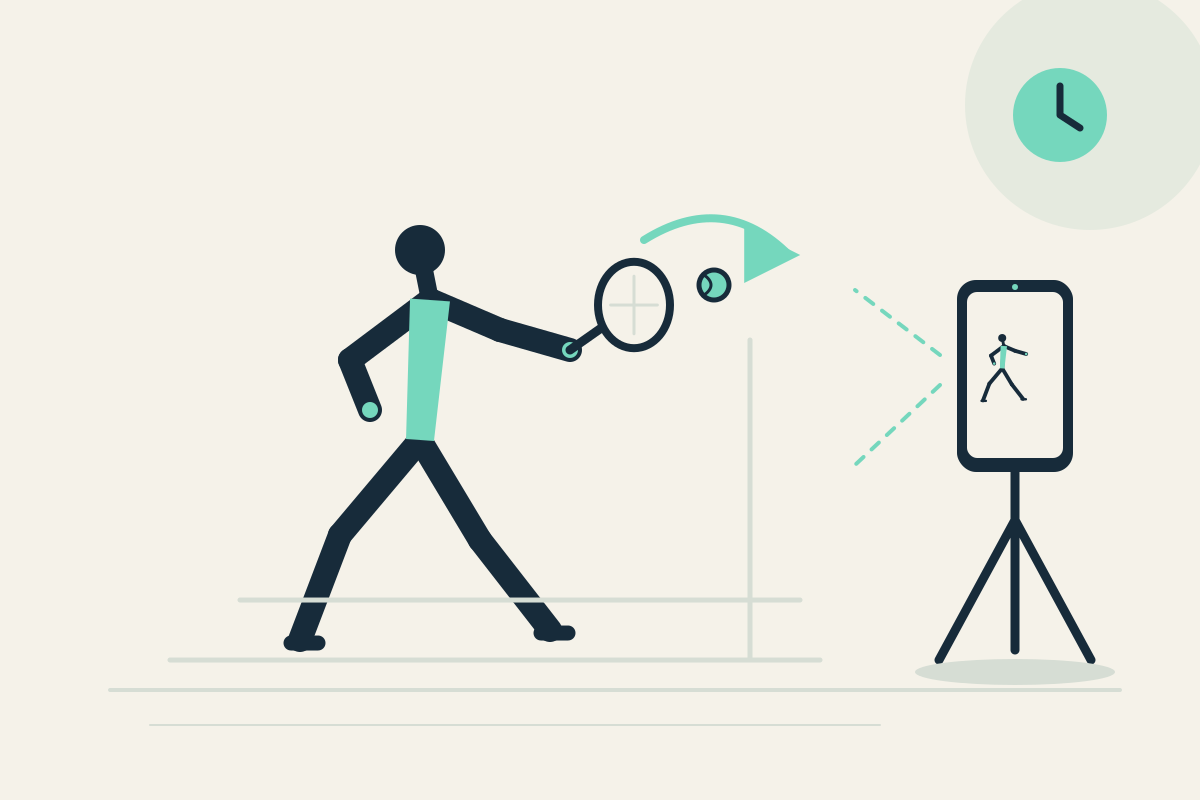
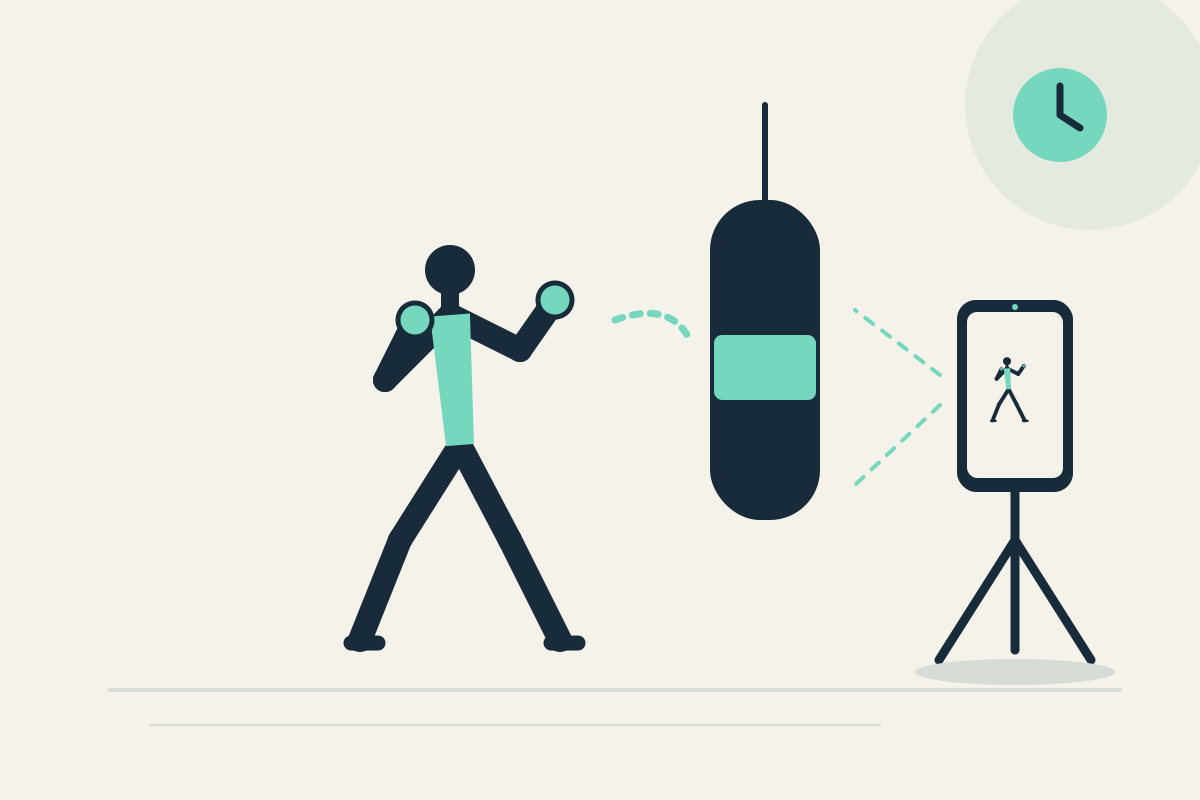
 Replay Camera
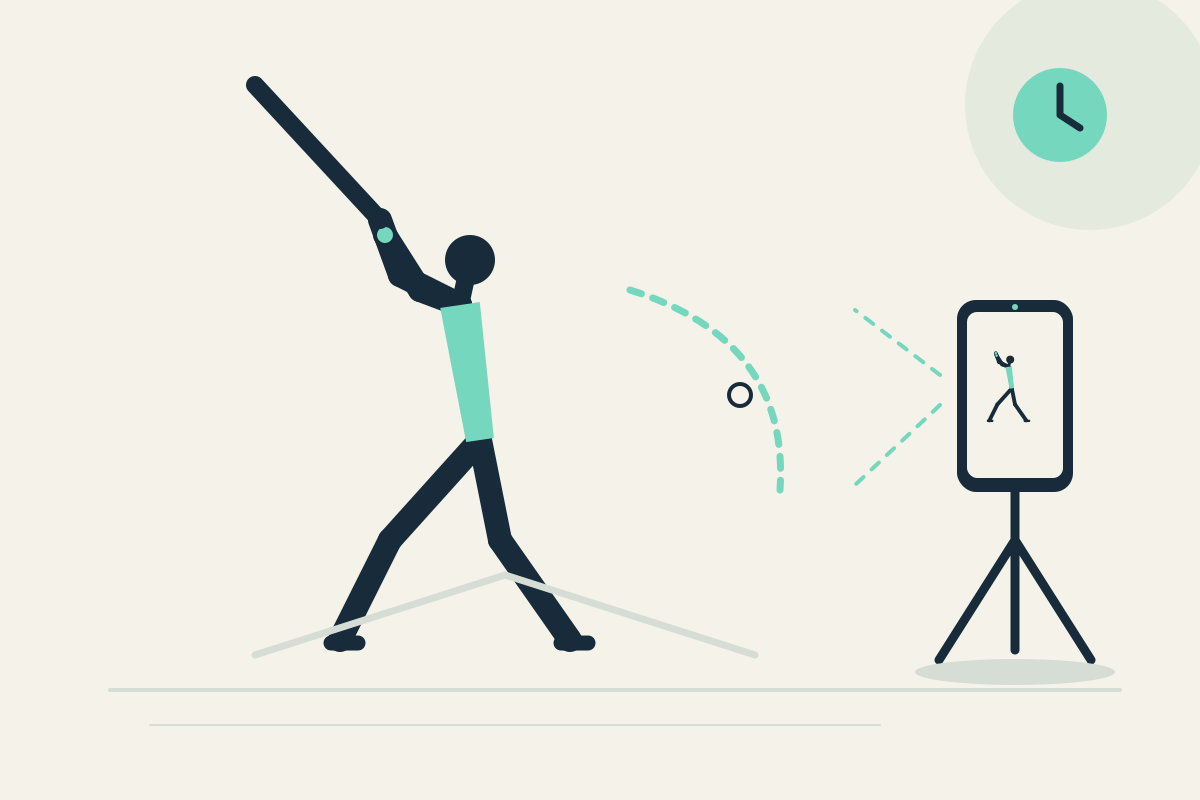
The challenge
You may remember contact or a miss but not whether your stance and finish look repeatable. Fast impact details are hard to see, and restarting a clip interrupts practice.
Setup
Place the phone on a stable tripod behind and to the side of your stance, well outside the bat path. Use the rear camera with a helper’s placement if needed, but view the same screen. Set panes to 10 and 30 seconds.
Step-by-step
- Confirm the area is clear and the phone is outside your bat radius. Start capture and take one dry practice swing.
- Let the swing pass. It may appear later in the 10-second pane; the 30-second pane shows earlier context from the same camera, not a simultaneous angle.
- Stop safely and pause the display to read stance and finish.
- Resume capture and take another dry swing, comparing the visible finish position.
- Optionally save the latest 30 seconds for later review.
What to observe
Look at visible stance width and the balance of your finish. Compare two dry swings for repeatability. Do not expect fast impact analysis, bat speed, or ball-flight data.
Limits
A fixed camera may blur fast motion, and the phone must stay outside the bat path. Stop before watching.
FAQ
Can I see the bat at impact clearly?
Not as a fast-impact analysis. A fixed camera may show the swing, but Replay Camera does not provide slow-motion or impact measurement.
Is it safe to swing near the phone?
Only if the phone is well outside your bat clearance and placed by you or a helper before you swing. Never swing toward the phone.