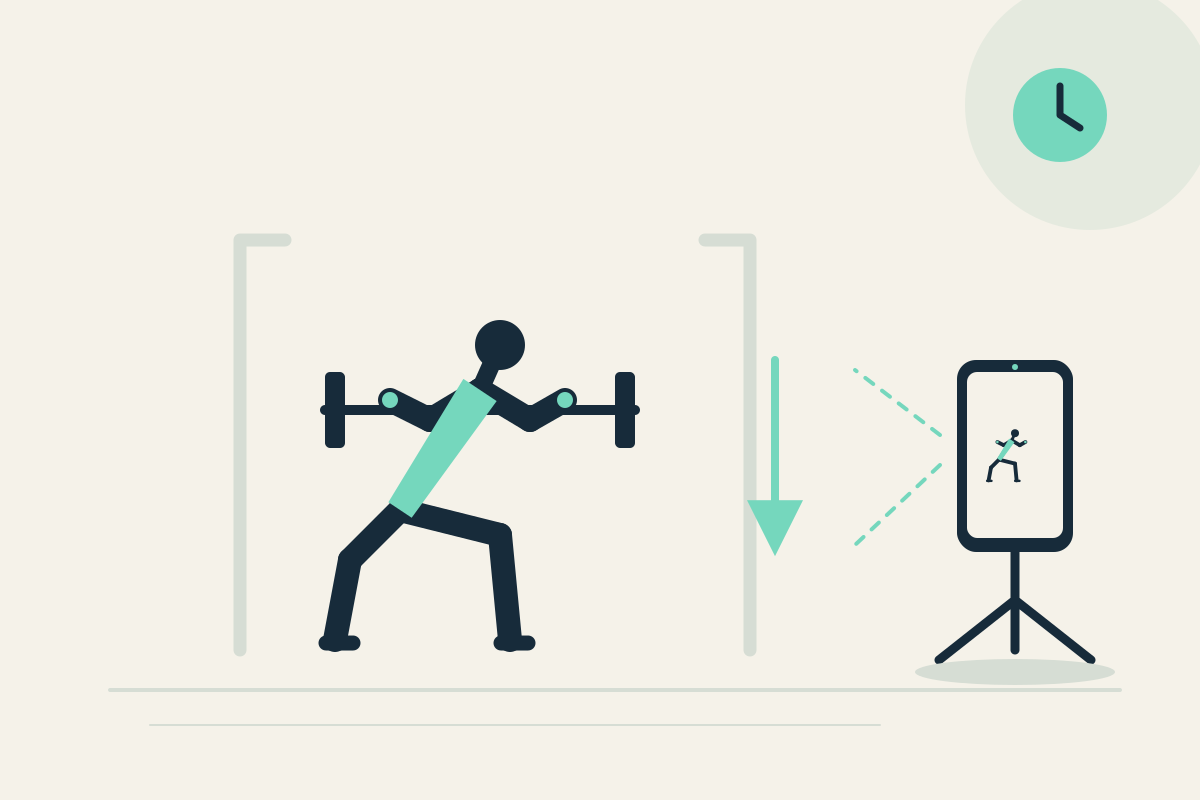
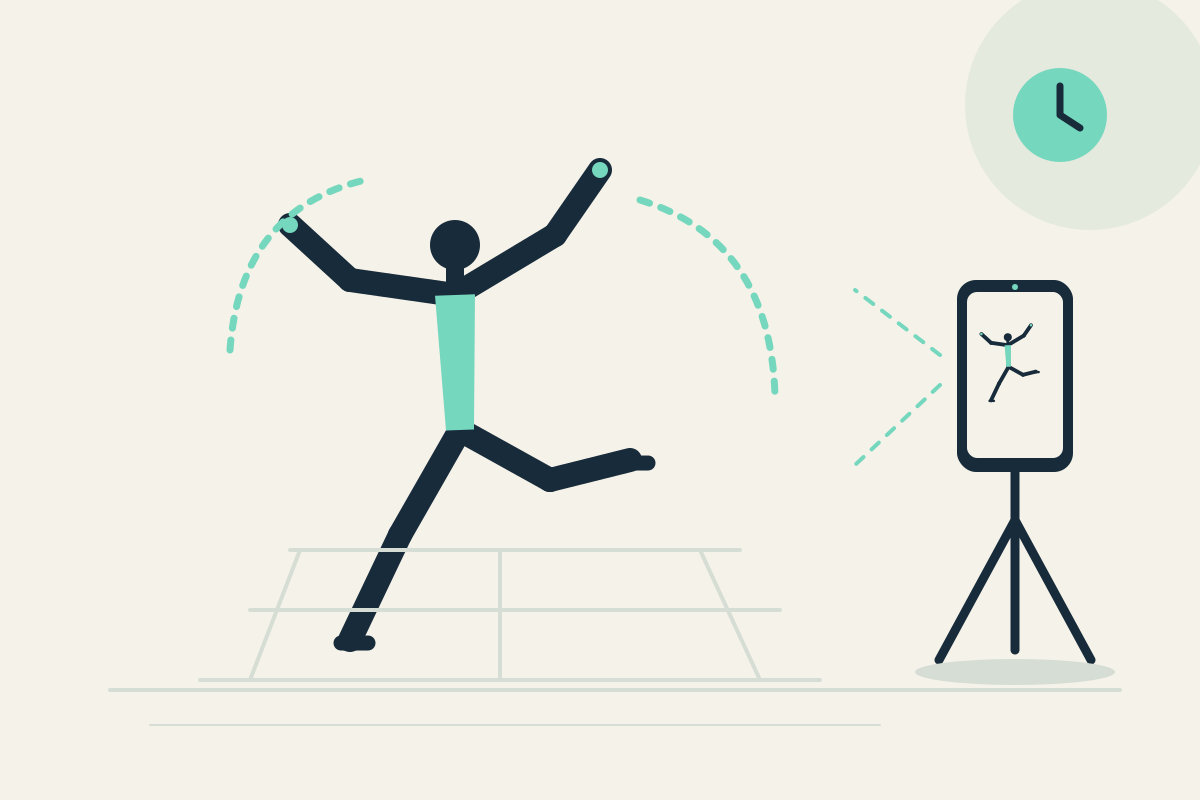
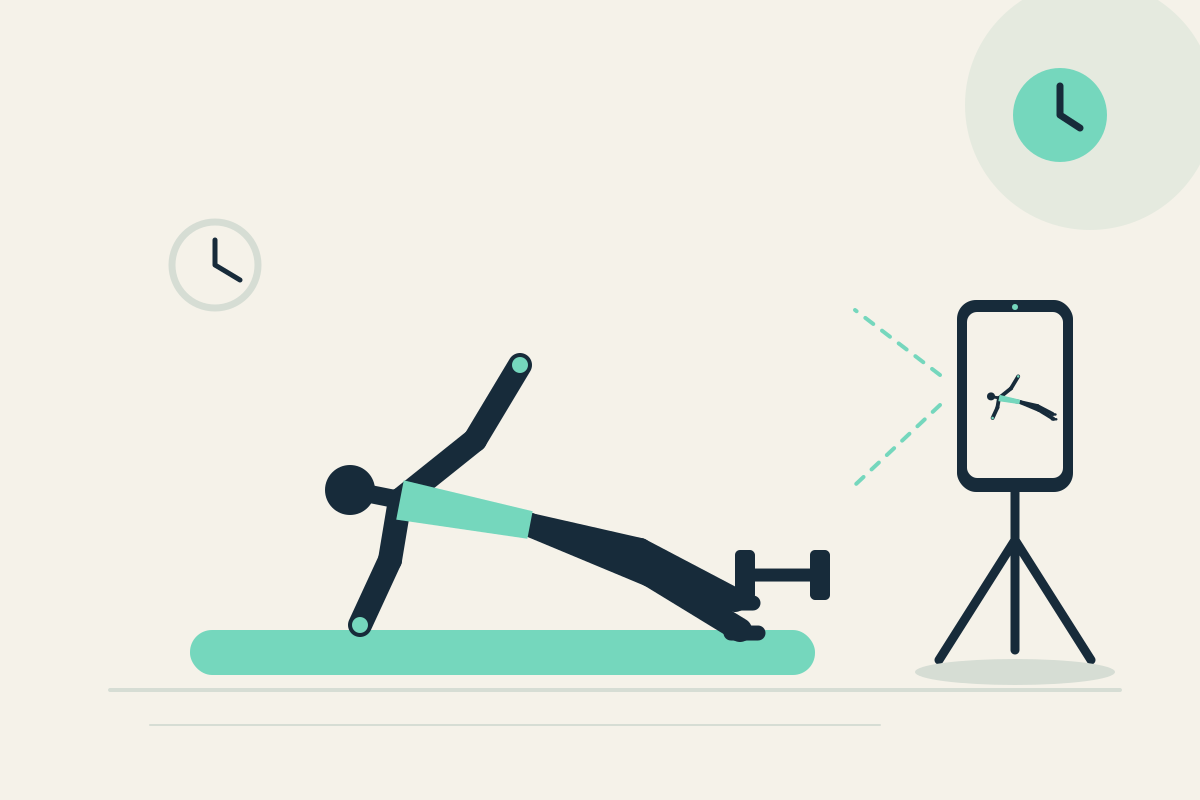
 Replay Camera
The challenge
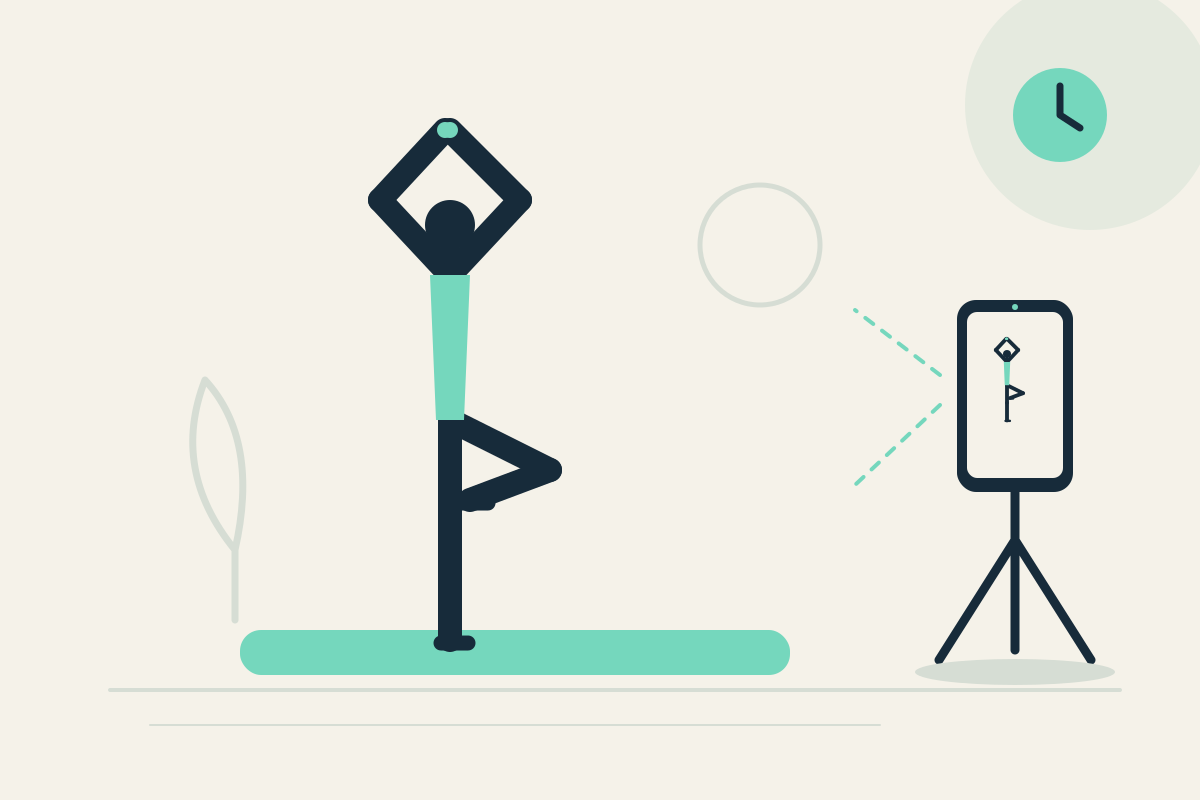
You may want to remember how you set up a familiar pose, but turning to the phone while balancing is unsafe. Restarting a clip disrupts the quiet practice.
Setup
Place the phone on a stable shelf or tripod in front of or to the side of your mat, outside the balance area. Use the front camera if you practice alone and can see it from the mat. Set panes to 10 and 30 seconds.
Step-by-step
- Confirm the mat area is clear and the phone is stable. Start capture before entering the pose.
- Enter one familiar static pose without looking toward the phone for balance.
- Safely leave the pose first. A short setup may appear later in the 10-second pane; the 30-second pane gives earlier context from the same camera.
- Pause the display only after you are stable and review visible setup.
- Resume capture or optionally save the latest 30 seconds for later reflection.
What to observe
Look at visible setup and whether it looks repeatable. Only review after safely leaving the pose. Do not expect flexibility assessment or a corrective prescription.
Limits
One fixed view may hide small details, and the app cannot assess flexibility or safety. Do not turn to the screen while balancing.
FAQ
Can I watch the screen while holding a balance pose?
No. Do not turn to the screen while balancing. Leave the pose safely first, then pause the display to review.
Will the app tell me if my pose is correct?
No. It provides visible delayed views only, without flexibility prescription or formal instruction.