 Replay Camera
The challenge
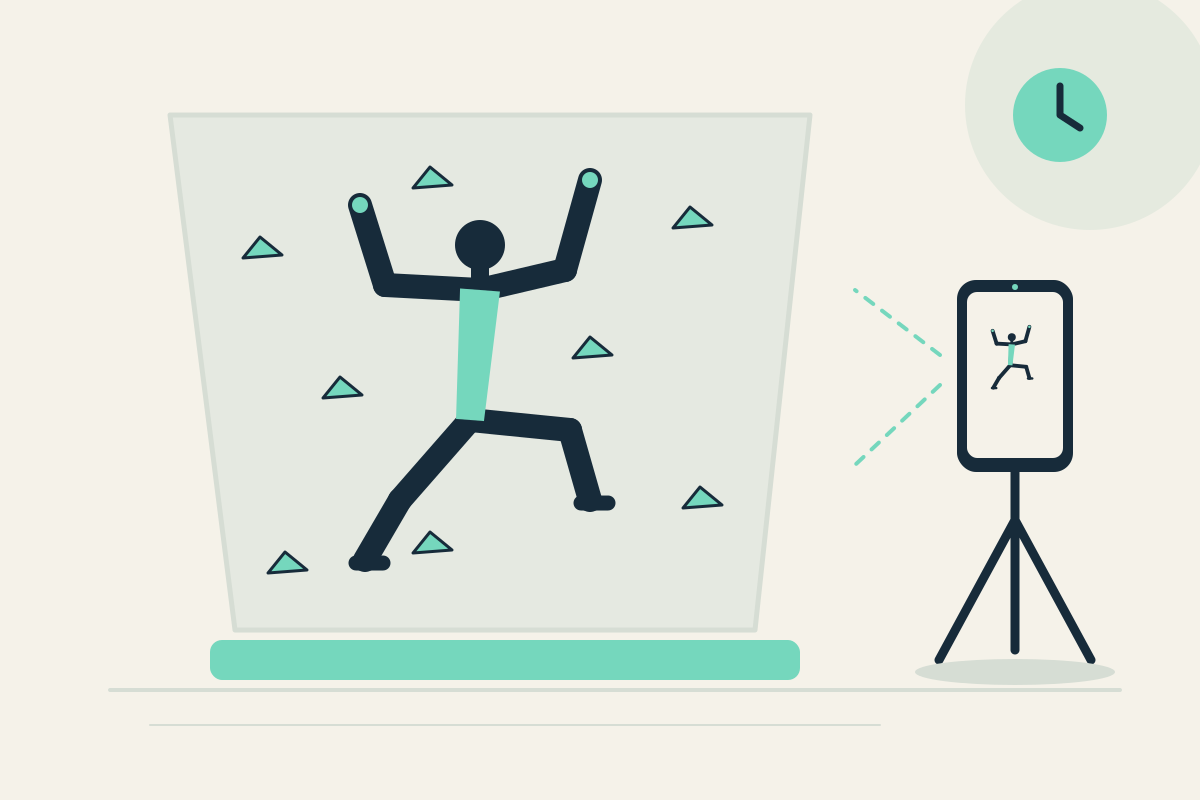
You may want to recall visible foot placement, but a phone near the wall or landing zone is unsafe. Restarting a clip while on the ground disrupts your session.
Setup
With gym permission, place the phone on a stable mount entirely outside fall and landing zones. Use the rear camera; a helper can place it, but you view the same screen only from the ground. Set panes to 20 and 30 seconds.
Step-by-step
- Obtain gym permission and confirm the phone is outside all fall and landing zones before climbing.
- Start capture from the ground, then climb a familiar short section without the phone on you.
- Let the action pass. It may appear later in the 20-second pane; the 30-second pane offers earlier context from the same camera.
- Return safely to the ground and only then pause the display to review visible footwork.
- Optionally save the latest 30 seconds from the ground.
What to observe
Look at visible foot placement and sequence after you are safely on the ground. This is not route instruction, safety assessment, or automatic climbing analysis.
Limits
The phone must stay entirely outside fall and landing zones. Do not watch while climbing or standing in a landing area. A single fixed view may be limited, and longer climbs need a different recording method.
FAQ
Can I place the phone near the wall?
No. Keep it entirely outside fall and landing zones with gym permission. Watch only safely on the ground.
Does the app give route or safety advice?
No. It provides visible delayed views only, without route instruction or safety assessment.