 Replay Camera
The challenge
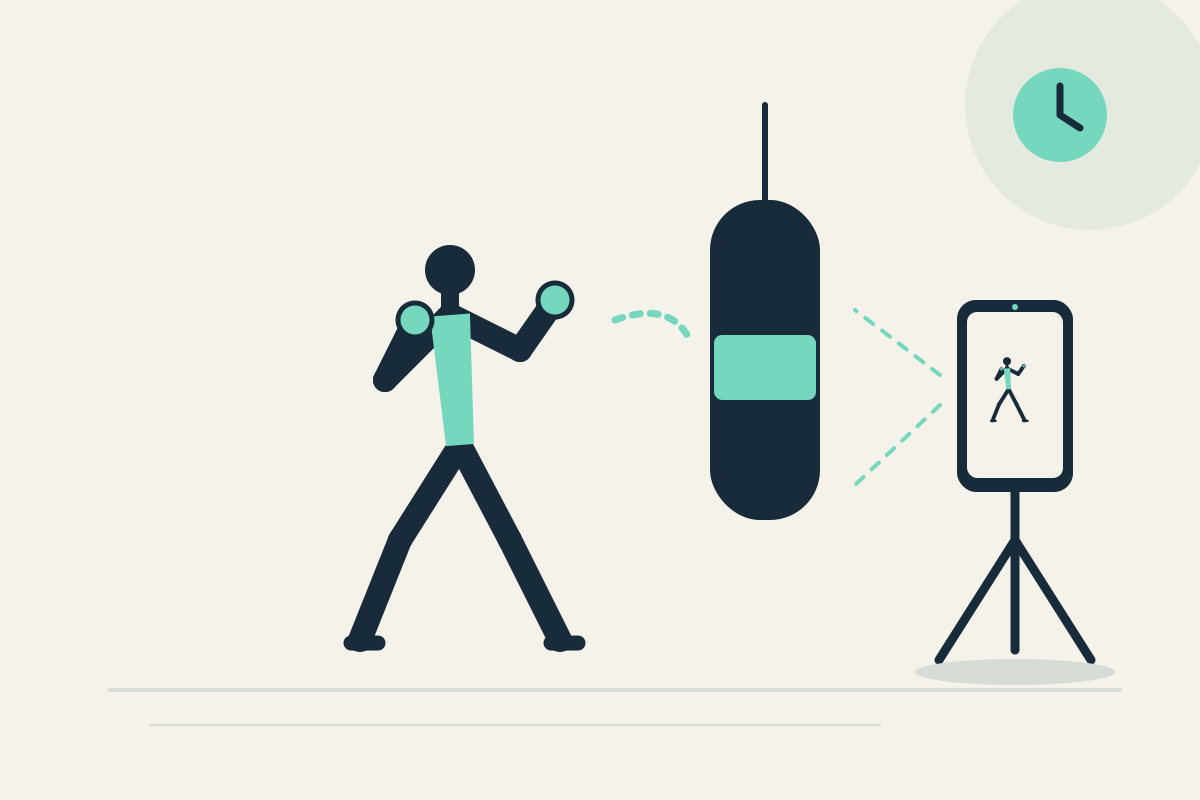
You may remember individual techniques but not the sequence order or spatial path across the floor. Restarting a clip breaks concentration.
Setup
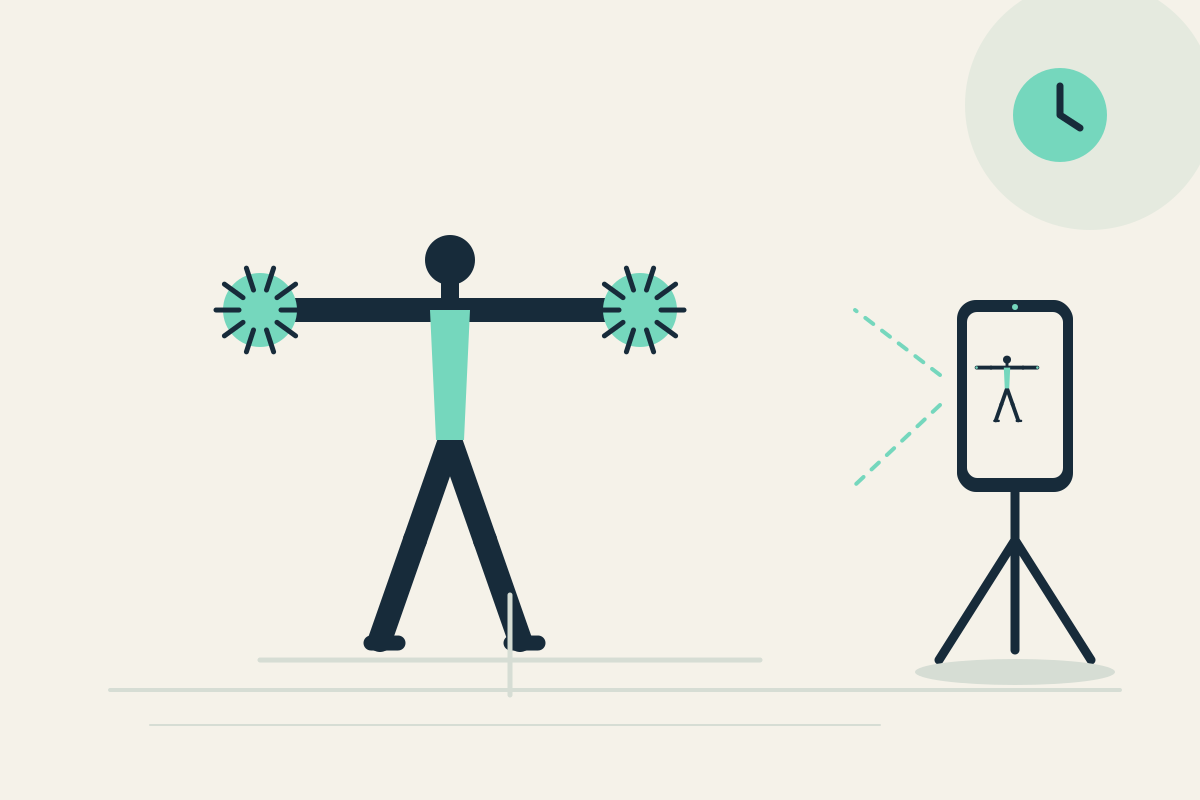
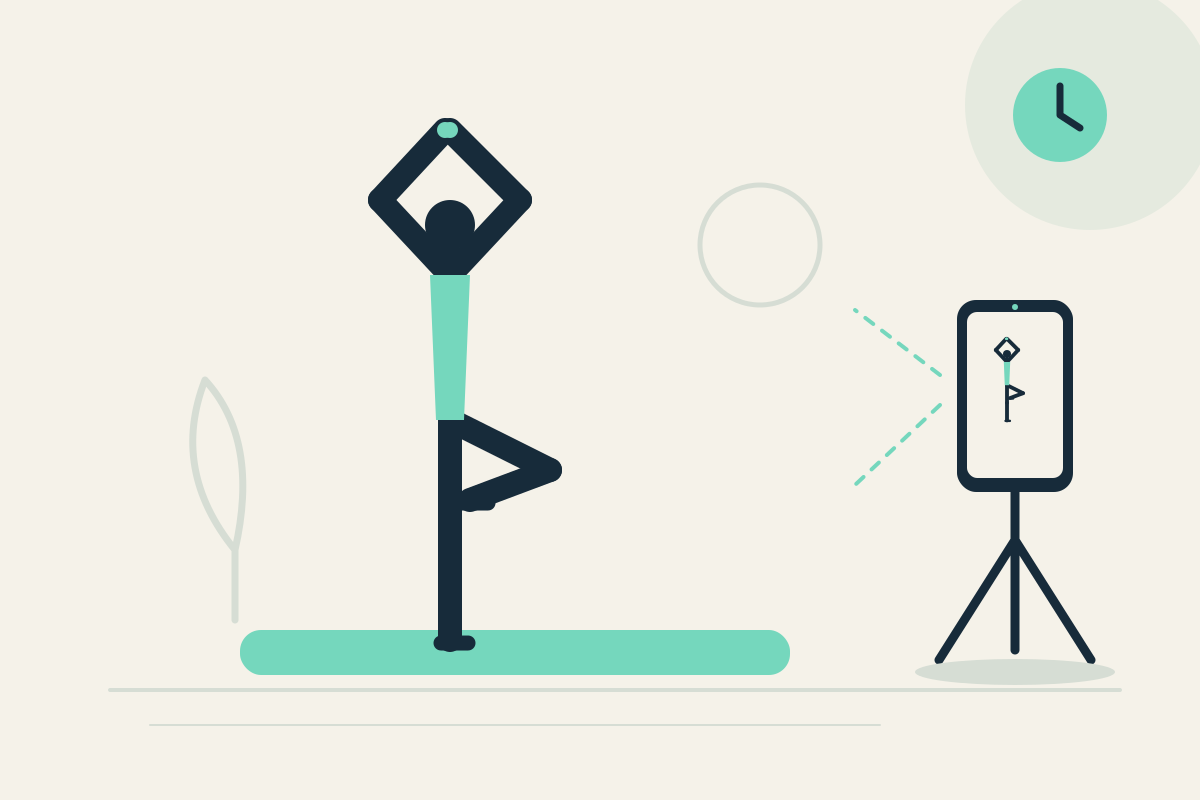
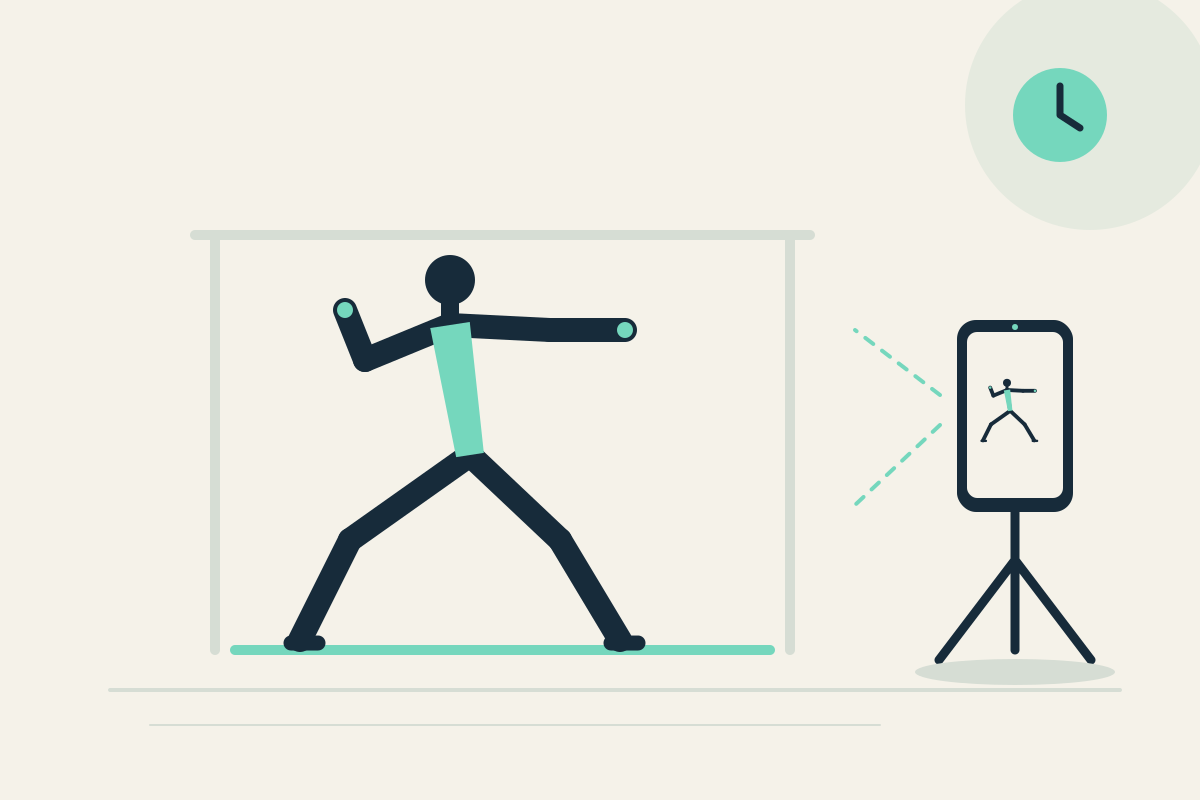
Place the phone on a stable tripod or shelf to the front or side, outside the movement path. Use the front camera if you practice alone and can see the screen safely. Set panes to 20 and 30 seconds for a longer kata segment.
Step-by-step
- Confirm the area is clear and no partner or contact is involved. Start capture.
- Perform one familiar short kata segment without handling the phone.
- Let the segment finish. It may appear later in the 20-second pane; the 30-second pane offers earlier context from the same camera.
- Stop safely, pause the display, and review sequence order and spatial path.
- Resume capture or optionally save the latest 30 seconds.
What to observe
Look at visible sequence order and where you move in the space. This is not automatic technique grading or a formal martial arts assessment.
Limits
A single fixed view may not capture the whole floor path, and the app cannot grade technique.
FAQ
Does the app grade my kata technique?
No. There is no automatic technique grading. It provides visible delayed views for practical self-review.
Can I practice kata with a partner in frame?
This use case is for solo practice without partner or contact. If others appear, obtain consent and follow the facility’s rules.