 Replay Camera
The challenge
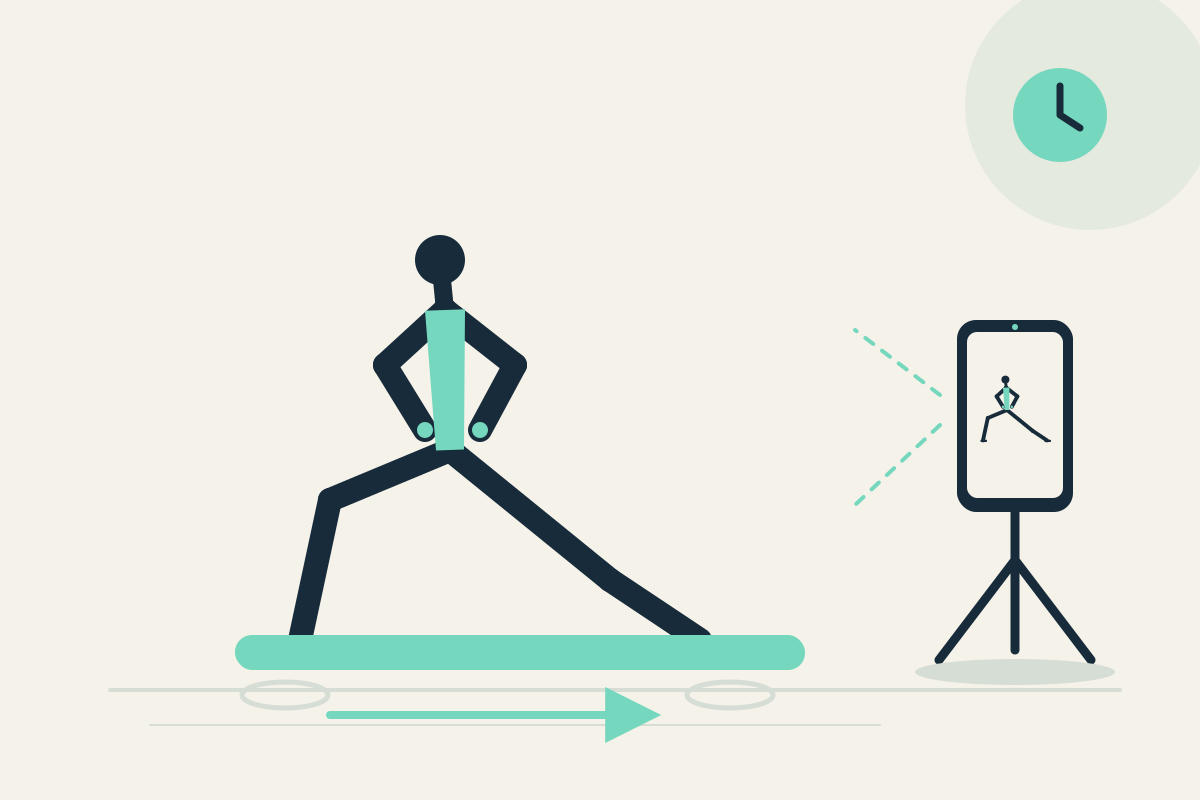
You may lose track of whether left and right steps look similar and whether you return to the same starting place. Restarting a clip between sides interrupts the sequence.
Setup
Fix the phone on a stable tripod or shelf to the side, outside the movement path. Use the front camera if you practice alone and can see the screen safely. Set panes to 10 and 30 seconds.
Step-by-step
- Confirm the area is clear and the phone is outside your step path. Start capture.
- Perform one left and one right familiar lunge without moving toward the phone.
- Let the sequence pass. A short step may appear later in the 10-second pane; the 30-second pane shows earlier context from the same camera.
- Stop safely and pause the display to compare the left and right step arrangement.
- Resume capture or optionally save the latest 30 seconds for later review.
What to observe
Look at visible step length and whether you return to the same starting place. Compare left and right for repeatability. This is not a joint diagnosis or corrective prescription.
Limits
A fixed camera may hide small foot details, and the app cannot assess joint health. Keep the phone outside the movement area.
FAQ
Can the app diagnose knee or hip issues?
No. It provides visible delayed views for practical reflection only. It is not a medical or safety assessment.
Can I compare left and right at the same moment?
No. Both panes use one camera at different times. Compare one side at a time across delayed views.