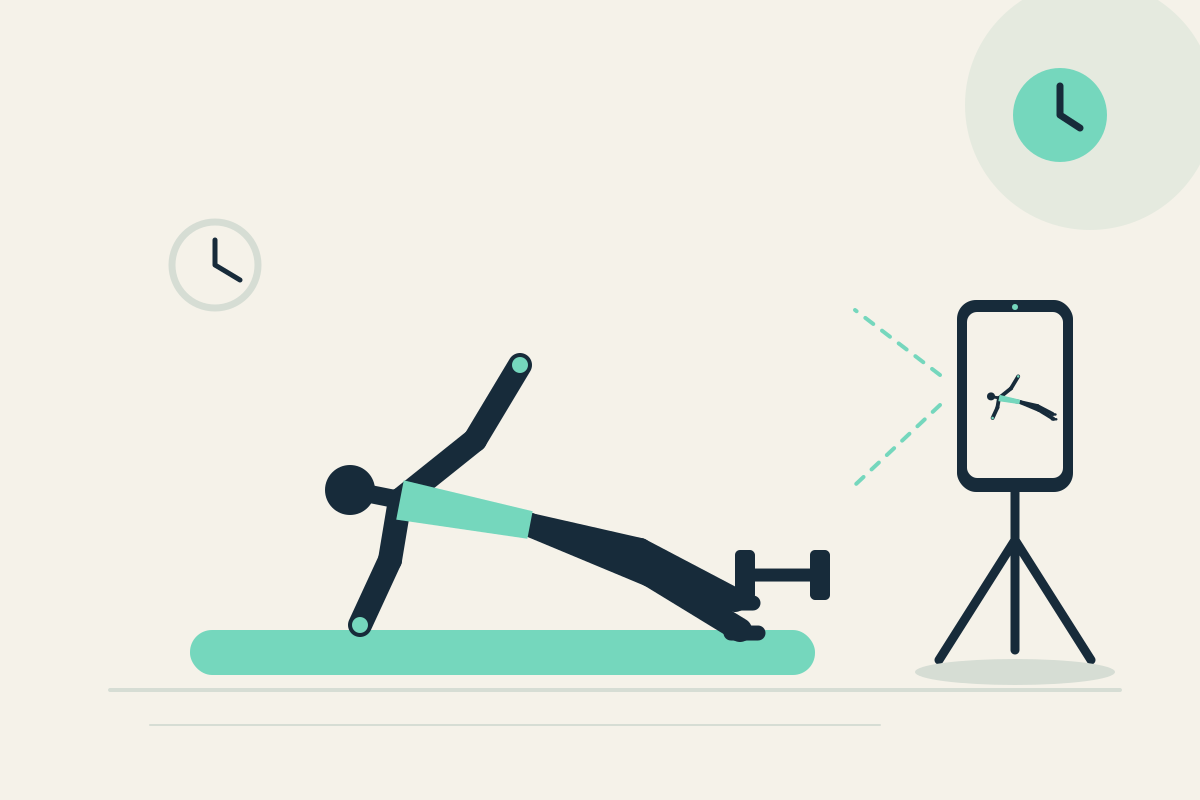
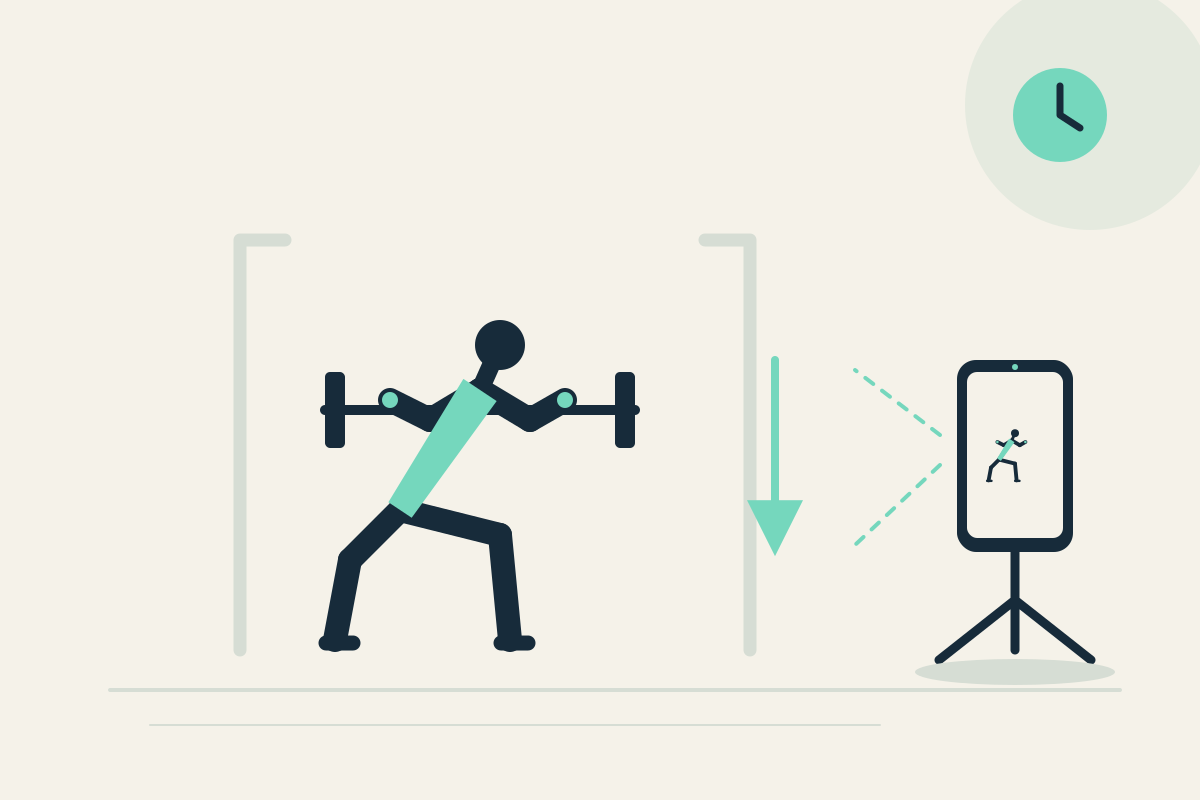
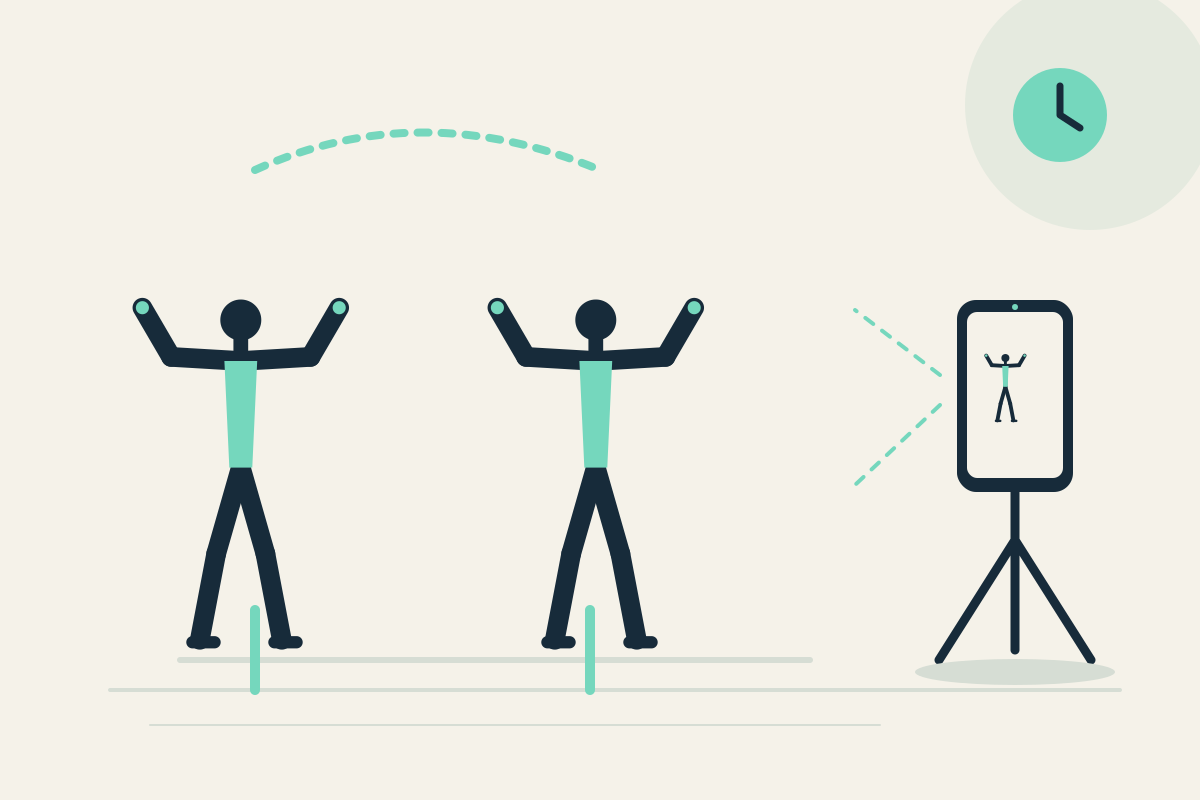
 Replay Camera
The challenge
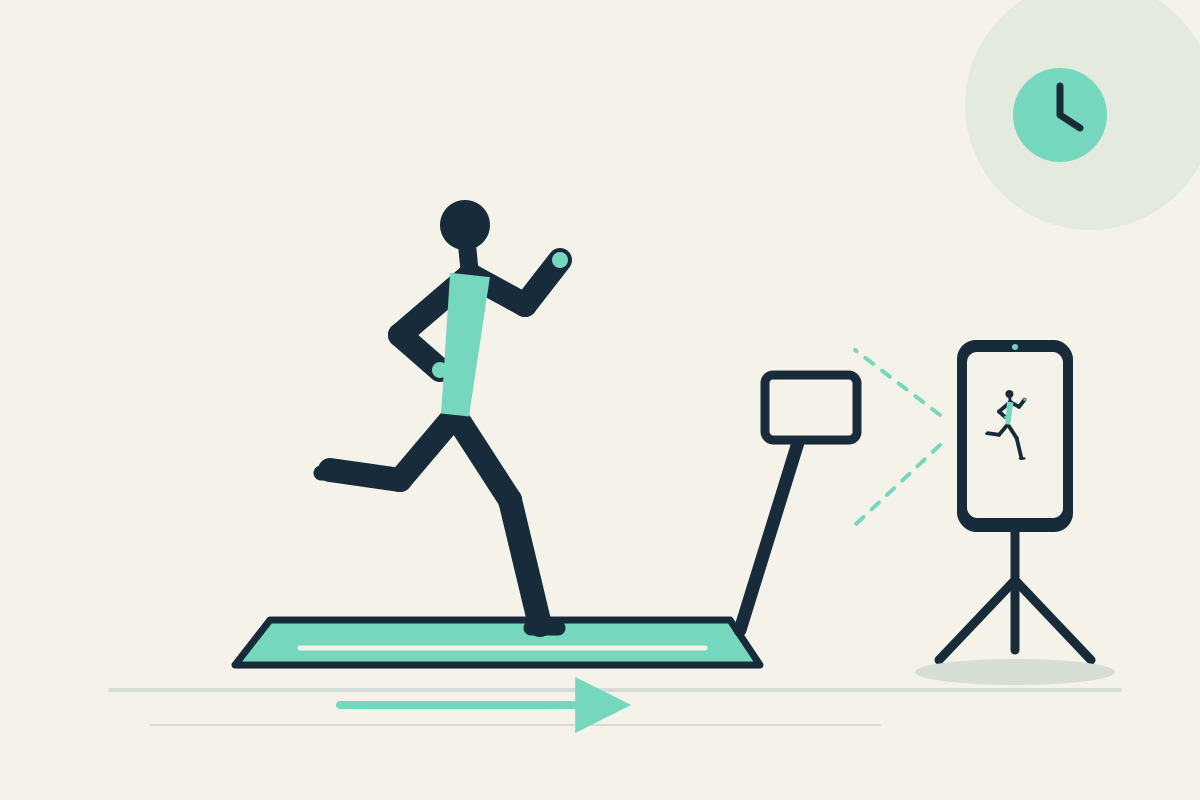
Holding or adjusting a phone while running is unsafe. You may want to see a side view without reaching, turning, or interrupting the belt.
Setup
Securely mount the phone on a stable stand or wall mount outside the moving belt, handrails, and machine controls. Use the rear camera if a helper can place it, but confirm the screen is visible only from a safe stopped position. Set panes to 20 and 30 seconds.
Step-by-step
- Set the phone mount before stepping on the treadmill and confirm it is outside the belt and controls.
- Start capture, then begin your familiar run. Do not interact with the phone while moving.
- Run for at least 30 seconds. A short reference may appear later in the 20-second pane; the 30-second pane offers earlier context from the same camera.
- Stop the treadmill safely and only then pause the display to review.
- Optionally save the latest 30 seconds as a silent clip after you have stopped.
What to observe
Look at visible posture and rhythm from the side view. Compare the two panes for earlier context. Do not expect automatic stride analysis, speed measurement, or medical assessment.
Limits
The phone must stay outside the belt and controls at all times. Never reach for or turn toward it while running. A single side view may hide the far side of the body. The app does not measure running speed or stride length.
FAQ
Can I adjust the app while running?
No. Do not interact with the phone while moving. Stop the treadmill safely before watching, pausing, or saving.
Does the app measure my running speed or stride?
No. It provides delayed visible views only. There is no automatic stride analysis or speed measurement.