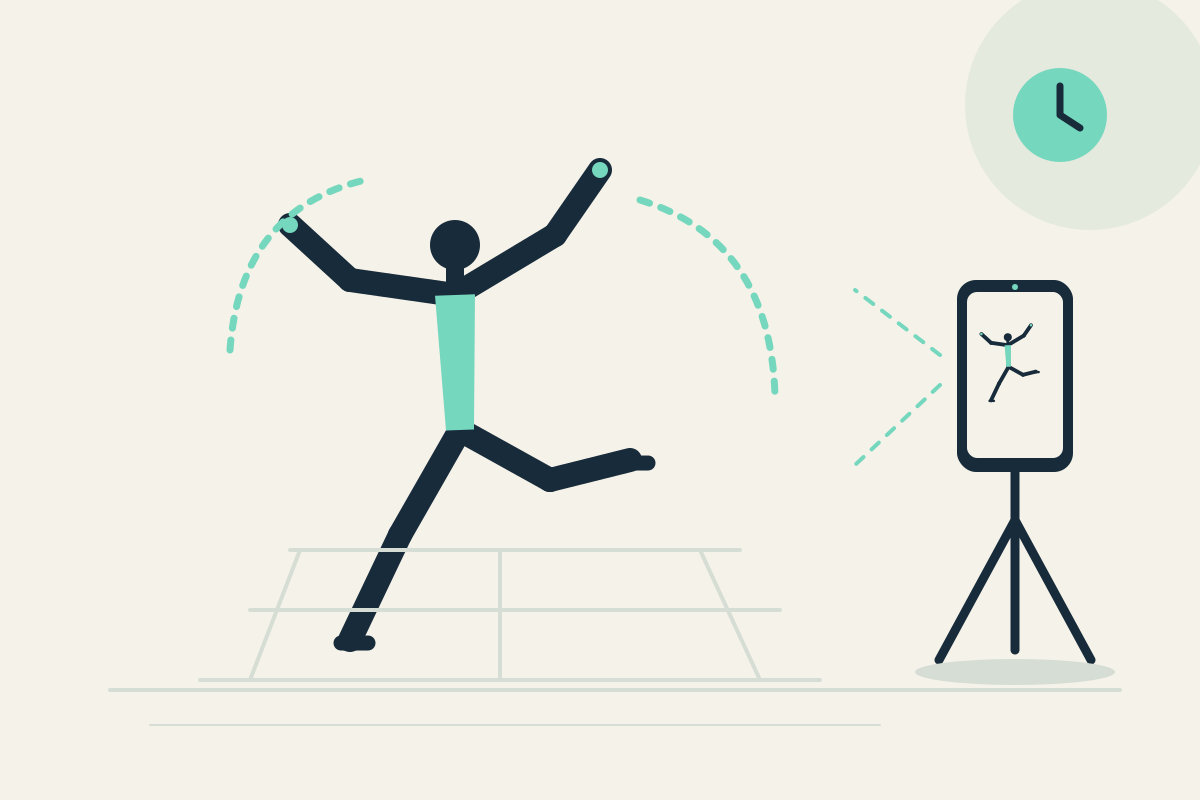
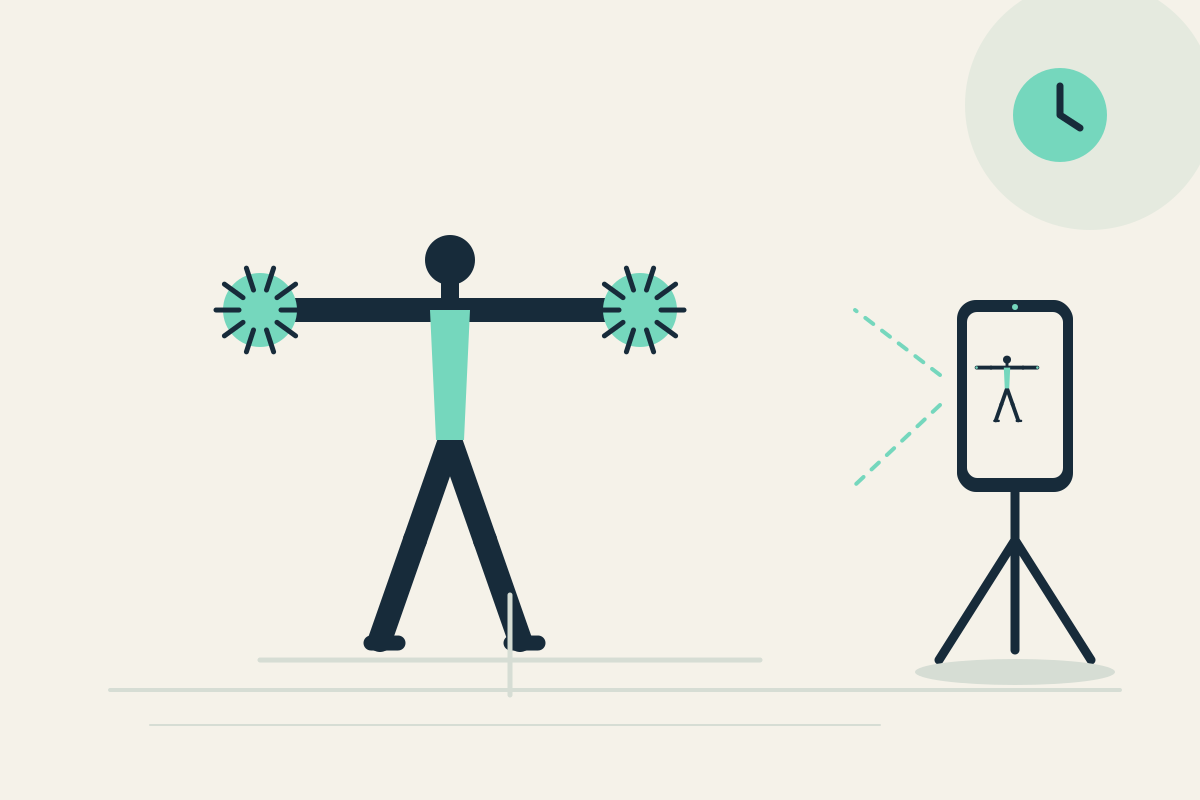
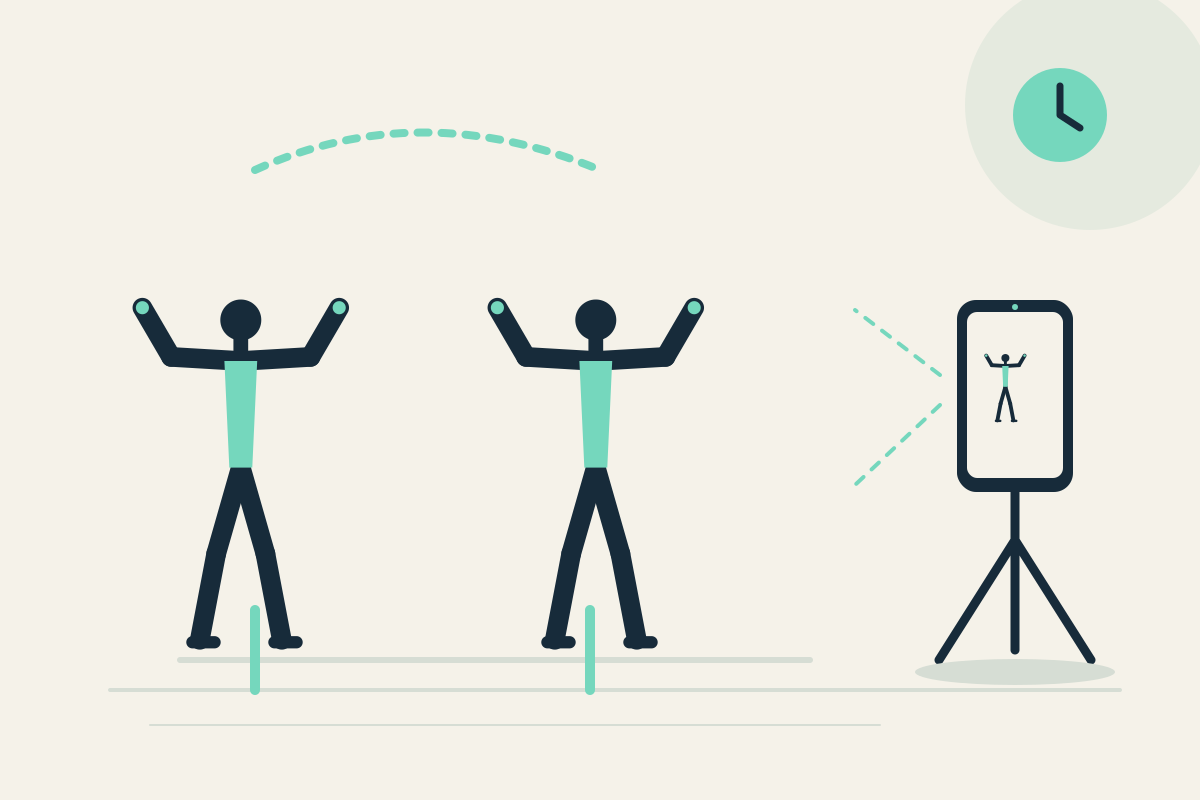
 Replay Camera
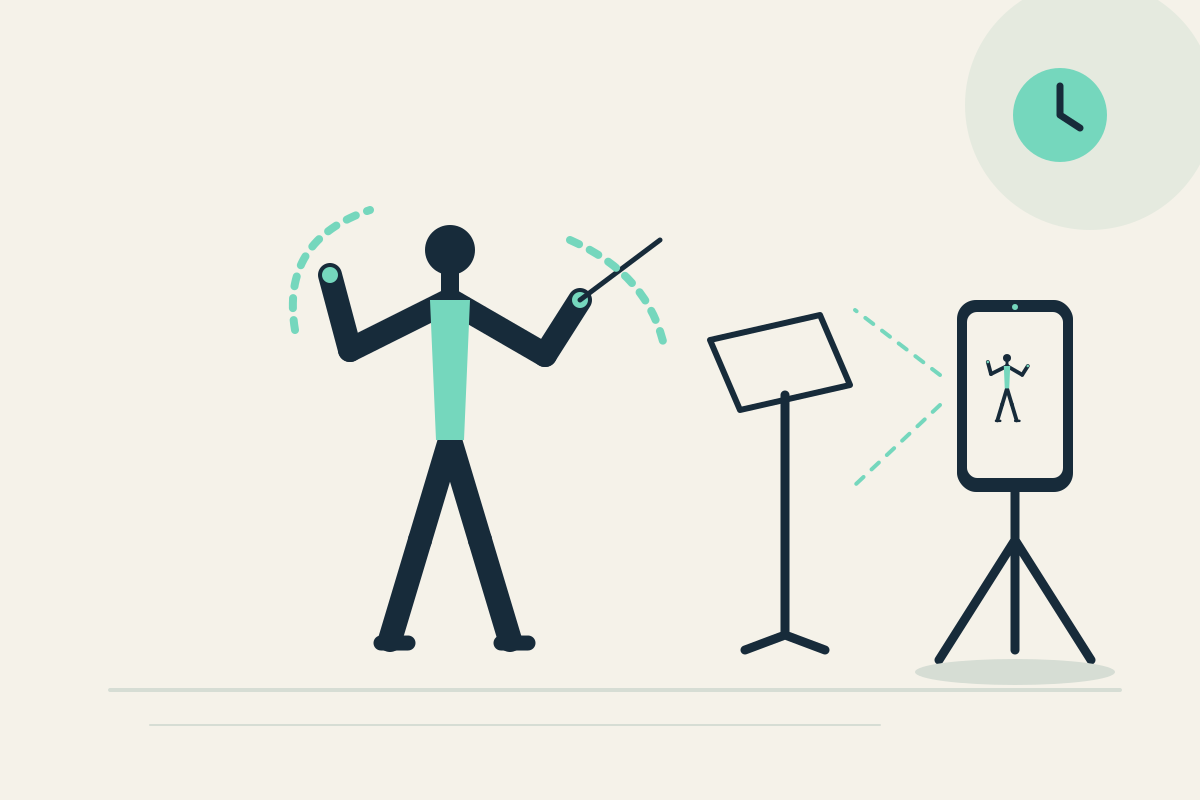
The challenge
You may want to see whether visible gesture sequence and entry cues look repeatable, but silent video cannot connect gestures to sound. Restarting a clip breaks concentration.
Setup
Place the phone on a stable tripod or shelf in front of a clear practice area. Use the front camera so you can see the screen without handling the phone. Set panes to 20 and 30 seconds for a longer phrase.
Step-by-step
- Clear the space and confirm no one else is in frame without consent. Start capture.
- Perform one familiar conducting phrase without turning toward the phone.
- Let the phrase finish. It may appear later in the 20-second pane; the 30-second pane offers earlier context from the same camera.
- Stop moving, pause the display, and review visible gesture sequence.
- Resume capture or optionally save the latest 30 seconds.
What to observe
Look at visible gesture sequence and entry cues. Because audio is never recorded, silent video cannot assess beat accuracy against music or timing.
Limits
The app does not record or analyze audio, so it cannot judge beat accuracy. A fixed view may crop hands.
FAQ
Can the app assess my beat accuracy?
No. Audio is never recorded. Silent video cannot analyze beat accuracy against sound; you can only review visible gestures.
Can I see my hand cues clearly?
A fixed view may crop fast hand details. Choose a position where the hands are visible and stop before watching.